

How to Write a Booking Confirmation Email


Try Trengo for Free

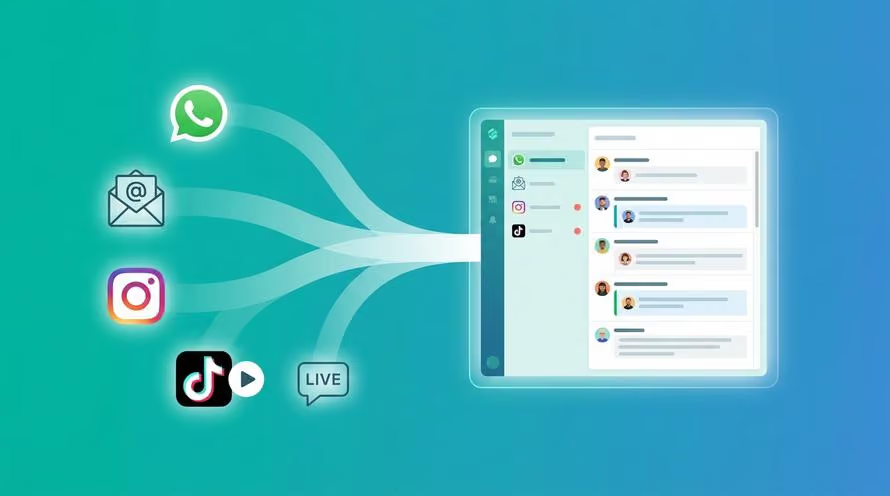
Trengo unites WhatsApp, email, web, social media, and calls in one inbox, saving your team hours of repetitive work and ensures no conversation is ever lost

How to write a booking confirmation email
Summary
A booking confirmation email is the critical first impression your hospitality brand makes in 2026. This comprehensive article explores how to craft the perfect message to reassure guests and seamlessly reduce support tickets. You will discover actionable design tips and free templates to streamline your entire reservation process and elevate your operational efficiency.
TL;DR
- A booking confirmation email provides guests with immediate psychological reassurance and essential trip details.
- Modern templates must be highly mobile friendly and include explicitly clear cancellation policies.
- Using plain text fallbacks ensures your message successfully passes strict automated spam filters.
- Managing guest replies efficiently requires centralized omnichannel tools rather than generic shared folders.
- Integrating modern communication channels meets the high expectations of global travelers in 2026.
- Automated responses empower customer service representatives to handle massive volumes of inquiries seamlessly.
The fast paced nature of the global hospitality and travel industry in 2026 demands instantaneous and flawless communication. When travelers finalize their plans, a booking confirmation email is the absolute critical first impression a hotel or travel brand makes. Modern guests expect instantaneous confirmation messages or a verified email confirmation the exact second they book a room or reserve a property. Crafting the perfect confirmation email drastically reduces no shows, significantly lowers the volume of inbound support tickets from guests asking if their booking is confirmed, and beautifully sets the stage for an unforgettable guest experience. Doing this manual work is completely outdated in today highly digital landscape. Modern teams use sophisticated automated templates and a Shared Inbox to guarantee perfect accuracy and lightning fast speed for every single reservation.
What is a hotel booking confirmation email?
A hotel booking confirmation email is an automated transactional message dispatched to a guest immediately after they successfully complete a reservation. While the traditional retail sector widely uses a standard order confirmation email template, the hospitality industry requires a highly specialized booking confirmation format to meet specific operational demands. This essential document serves a powerful dual purpose for your business and your guests. First, it offers profound psychological reassurance to the buyer. It provides a formal thank you for confirming message that officially guarantees the guest credit card was charged correctly and their desired room is fully secured for their upcoming trip. By utilizing Automated Quick Replies, you can ensure this digital contract is dispatched instantly without any human delay.
Second, this message acts as a binding digital contract for your operational efficiency. It contains vital and strictly necessary details like exact check in times, comprehensive cancellation policies, and the precise room booking confirmation email format required by local municipal authorities. For international travelers crossing borders, this crucial document sometimes serves directly as a hotel booking confirmation letter for visa applications. Because government officials review these documents closely, absolute accuracy is entirely non negotiable. A single mistake regarding the dates or the spelling of a guest name can result in denied entry at a border crossing, which ruins the guest experience before it even begins. Therefore, ensuring your automated systems pull the exact data from your property management system into the email template is vital for success.
Best practices for your booking confirmation email design
Modern travelers in 2026 view their messages almost exclusively on mobile devices while on the go, meaning your booking confirmation email design must be fully responsive and visually flawless on small screens. Your subject lines must be incredibly clear and highly searchable so travelers can find them months after booking. For instance, using a distinct format like Booking Confirmation Your stay at Grand Hotel Dates ensures the guest can retrieve the message instantly while standing at the airport terminal. When deciding between a dynamic booking confirmation email template HTML and a standard plain text version, remember that HTML formats allow for beautiful corporate branding, stunning photos of the hotel room, and clickable interactive maps.
However, having a reliable booking confirmation letter format in Word or a strict plain text fallback is absolutely crucial for web accessibility and for safely avoiding aggressive algorithmic spam filters. You must prominently include essential details like the primary guest name, a helpful confirm email address prompt if a new user account was created, the specific reservation number, and the exact check in and checkout times. Furthermore, you need to clearly state the exact room type, the maximum number of guests allowed, a complete transparent payment breakdown including all local taxes and resort fees, and a transparent cancellation policy to prevent future billing disputes. Finally, your primary call to action should enthusiastically encourage guests to reply if they have special requests, which is exactly where modern customer support teams step in to manage the ongoing relationship.
Confirmation email templates and examples
Hospitality professionals are consistently searching for a reliable booking confirmation email template free of charge that they can easily copy and paste into their automated systems. Using standardized professional language absolutely prevents costly clerical errors and perfectly ensures a consistent brand voice across all properties. The following carefully structured templates are crafted for different specific scenarios you will inevitably encounter in 2026. You can directly adapt these structures to fit your specific brand tone, whether you operate a luxury resort, a cozy bed and breakfast, or an urban apartment rental business.
Standard hotel booking confirmation email format
This highly professional template is perfect for direct hotel bookings and standard luxury resort reservations. It provides all the necessary information in a clean and readable structure that guests can review at a quick glance.
- Subject Booking Confirmation Booking ID We look forward to welcoming you to Hotel Name
- Dear Guest Name
- Thank you for your order and for choosing Hotel Name. We are absolutely thrilled to officially confirm your reservation. Please carefully review your specific booking details below.
- Booking Reference Booking ID
- Arrival Date Date from Time
- Departure Date Date until Time
- Room Type Room Type
- Number of Guests Number
- Total Amount Amount
- Balance Due at Arrival Amount
- If you need to adjust your reservation or have any special dietary requests, simply reply directly to this booking confirmation email or reach out to our front desk team.
- Safe travels and we will see you very soon.
- Warm regards, The Hotel Name Team
Flat booking confirmation letter format
This relaxed variation caters directly to the booming short term rental market, such as independent vacation rentals, private villas, and urban flat leases. It emphasizes location details and independent arrival instructions.
- Subject Your upcoming stay at Property Name is officially confirmed
- Hi Guest Name
- Thanks for the confirmation! Your selected dates are now officially locked in for Property Name. We are excited to host you.
- Dates Start Date to End Date
- Address Full Property Address with a direct link to Google Maps
- Arrival Instructions You will receive a unique smart lock access code exactly 24 hours before your scheduled arrival time.
- If you have any quick questions about the local neighborhood or need dining recommendations, just hit reply to this mail confirmation and I will gladly assist you.
- Best, Host Name
Hotel booking confirmation letter for visa
International travelers frequently require formal official documentation to cross sovereign borders. This strict template addresses the specific legal need for international travel visa applications and border control interviews.
- Subject Official Reservation Confirmation Letter for Guest Name
- To Whom It May Concern
- This formal letter serves as an official reservation confirmation for Guest Name, who currently holds passport number Passport Number.
- The aforementioned guest has a confirmed and fully paid reservation at Hotel Name, prominently located at Hotel Address. The specific reservation details are clearly outlined below.
- Guest Names All Guest Names
- Arrival Date Date
- Departure Date Date
- Confirmation Number Booking ID
- This formal booking is fully guaranteed. Should you require any further verification regarding this stay, please contact our internal reservations department directly.
- Sincerely, Manager Name, Hotel Name
How to manage booking confirmation replies with Trengo
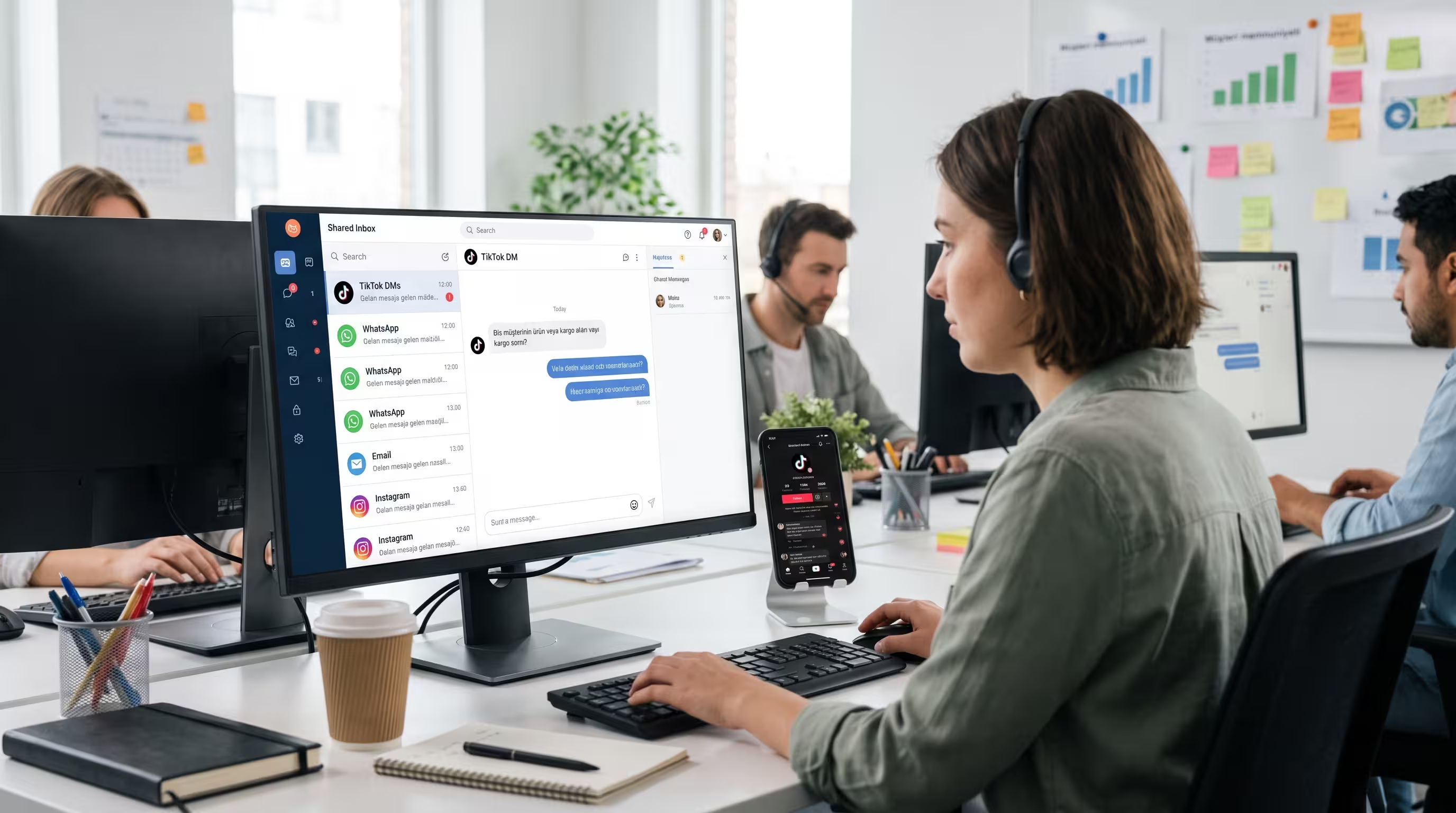
Sending a how to send booking confirmation email sample to your guests is truly only the very first step of the entire guest journey. The real operational challenge for hospitality businesses in 2026 is efficiently managing the massive incoming flood of subsequent replies. Guests will inevitably reply directly to the confirmation asking for premium airport transfers, early arrivals, or specific dietary requirements for the breakfast buffet. Instead of your busy front desk staff fighting over a generic information login and accidentally deleting messages, modern teams centralize everything. They pool all reply hotel booking confirmation email messages into one single collaborative workspace. This completely eliminates internal confusion, prevents staff collision, and ensures no guest inquiry is ever missed or duplicated during a busy shift.
Furthermore, contemporary guests today do not just want an email sitting in their inbox. They demand instantaneous mobile messaging. By directly integrating the WhatsApp Business API, proactive hotels can seamlessly send the initial reservation details directly to the guest phone precisely alongside the traditional email. This powerful multichannel approach drastically improves message open rates, enhances guest satisfaction, and builds immediate rapport. When travelers see a friendly message on their favorite chat application, they feel a much stronger personal connection to your hospitality brand.
When dealing with complex third party bookings, centralizing these communications actively prevents crucial details from falling through the cracks. Using Trengo's Omnichannel inbox allows your property to manage direct emails, chat messages, and OTA platform messages all in a single unified view. You no longer need to switch between twenty different browser tabs to see what a guest requested on a specific booking platform. Every single piece of context is instantly available to whoever is working the customer service shift, resulting in faster resolution times and happier travelers.
This smart automation completely transforms how your front office operates. Your staff can finally stop typing the exact same directions from the airport over and over again. By leveraging modern communication tools, your team can automatically categorize incoming inquiries based on priority. A request for a late checkout can be routed to the front desk, while an inquiry about a spa package can be automatically assigned to the wellness team. This intelligent routing ensures the guest receives the most accurate information from the most qualified staff member in record time.
Troubleshooting when booking confirmation emails are not received
Dedicated hospitality teams frequently deal with the remarkably high search volume around missing messages. Common traveler complaints include phrases like booking com confirmation email not received, airline booking confirmation email not received, or budget travel booking confirmation email not received. We must carefully break this massive issue down into what the hotel management can fix internally and what the anxious guest experiences on their end. Understanding both sides of this technical issue is vital for reducing friction and maintaining a pristine brand reputation.
Why booking confirmation emails go to spam
The highly technical side of booking confirmation email spam usually relates directly to domain authentication failures. If a hotel domain lacks proper modern authentication protocols, major global email clients will instantly flag the confirmation mail as dangerous. Hospitality businesses must absolutely keep their booking confirmation email template HTML code impeccably clean and perfectly lightweight. You should rigorously avoid known spammy trigger words in the subject line and proactively ask guests to whitelist your sending address during the final checkout process. Additionally, regularly auditing your sender reputation ensures your crucial transactional messages actually land in the primary inbox rather than the promotional folder.
Dealing with OTA masked emails
Major online travel agencies often intentionally mask guest contact details to protect user privacy and retain control over the customer relationship. For example, a booking com confirmation email address might look like a random string of bizarre characters rather than a real personal address. If a hotel sends a direct confirmation to this temporary alias, it might be heavily delayed or completely blocked by the internal proprietary messaging system of the agency. By using a centralized omnichannel platform that integrates directly with these agency messaging channels, you fundamentally ensure the guest receives your crucial updates whether they check their standard inbox or their mobile travel application.
What happens if you do not get a confirmation email
Missing an order confirm creates massive psychological anxiety for travelers planning their dream vacation. Typically, a missing message is due to a simple typo in the address field during the rushed checkout process, a highly strict corporate spam filter blocking the domain, or a temporary processing delay in the airline or hotel server. The standard recommended protocol for guests is to first patiently check their spam folder, thoroughly review their financial bank statements for pending credit card charges, and then contact the property directly by phone to verify their itinerary manually.
Frequently Asked Questions (FAQ)

If a hotel explicitly requires manual confirmation from you, you should reply promptly using a simple how to reply booking confirmation email sample format. You can state that you are formally writing to confirm your reservation for your specific travel dates and cleanly provide your unique booking ID. This acts as a highly polite how to acknowledge mail response and beautifully helps the hotel staff prepare for your upcoming arrival.
If you have not received your expected itinerary, you can easily ask for a booking confirmation email by contacting the property directly. Write a brief polite message stating you recently made a reservation under your legal name for specific dates but have unfortunately not received an email confirmation. Ask them to kindly verify your booking status in their system and resend the confirmation mail to your updated address.
If you are randomly receiving a confirmation email or an order confirmation email for something you definitely did not book, it may simply be a case of a mistaken address where someone unfortunately typed their personal details incorrectly. Alternatively, it could be a malicious phishing scam actively attempting to steal your data. Never click unknown links in unexpected emails and immediately verify your bank statements for unauthorized charges.
As a professional hotelier wondering how to officially confirm that you will order the service, you can simply send a manual reservation confirmation letter for hotel guests directly from your desk. You just need to clearly state that you are writing to officially confirm their upcoming room booking for the requested dates and express that you eagerly look forward to their arrival. This efficiently fulfills the basic need for a formal confirmation mail.


Let's meet
Grow your business with loyalty. Bring all of your customer contact into one, single platform to unlock delight at every step of the way.


