What Is an Email Ticketing System? The 2026 Guide

Prueba Trengo gratis

Trengo reúne WhatsApp, correo electrónico, web, redes sociales y llamadas en una sola bandeja de entrada, lo que ahorra a tu equipo horas de trabajo repetitivo y garantiza que nunca se pierda ninguna conversación.
Vea Trengo en acción
- Amplias integraciones
- Fácil configuración
- Estructura de precios escalable
What Is an Email Ticketing System? The Guide for 2026
Resumen
An email ticketing system is a software platform that transforms customer emails into manageable, trackable support tickets within a centralized inbox. For businesses in 2026, this system is the first step toward resolving inbox chaos and scaling customer service. The best email ticketing software, like Trengo, goes beyond email to unify all customer communication channels, including WhatsApp, live chat, and social media, into a single, efficient workspace.
TL;DR
- A shared inbox like Gmail or Outlook creates chaos, leading to missed emails, duplicate replies, and lost customers.
- An email ticketing system converts every incoming email into a unique, numbered ticket that can be assigned, tracked, and resolved.
- Key features for a modern system include a true shared inbox, powerful automation, analytics, and team collaboration tools.
- In 2026, an email-only system is insufficient; the best platforms offer multichannel support to manage all customer conversations in one place.
- SaaS platforms like Trengo provide a scalable, easy-to-use solution that unifies all communication channels, starting with email.
Your support inbox is a constant source of stress. Customer emails get lost in crowded threads, two agents accidentally reply to the same person, and there is no way to know who is working on what. This chaos isn't just inefficient; it's actively damaging your customer relationships and costing you business. The answer isn't working harder or hiring more people to stare at the same cluttered inbox. The solution is a fundamental shift in how you manage customer communication, starting with an email ticketing system.
How an Email Ticketing System Transforms Chaos into Clarity
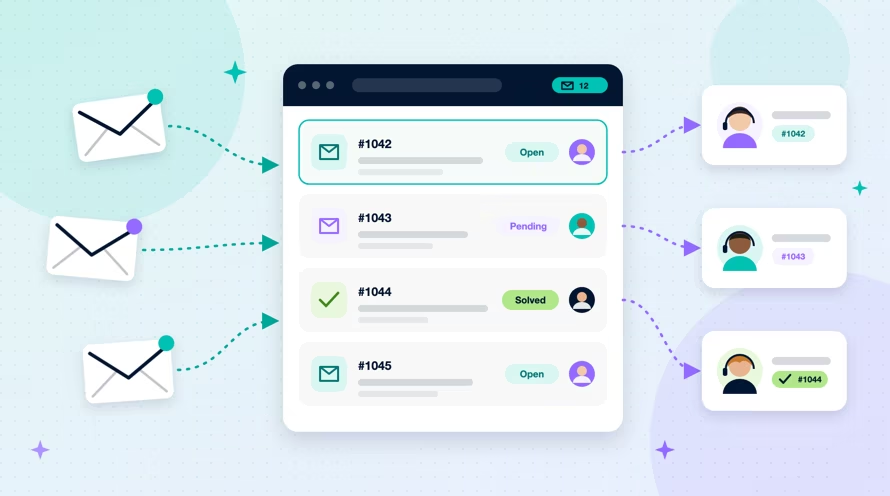
An email ticketing system is a tool that automatically converts incoming customer emails into unique, trackable support tickets within a centralized platform. Think of it as a digital help desk or a supercharged to do list for your entire support team. It replaces the confusion of a standard inbox with a structured, transparent process. The email to ticket workflow is simple yet powerful.
- An email arrives at your support address.
- The system instantly creates a new, numbered ticket containing the customer's message.
- The ticket is automatically or manually assigned to a specific agent or team.
- All subsequent communication with that customer, from both sides, is logged chronologically under that single ticket until the issue is marked as "resolved" or "closed."
This process, often called an email based ticketing system, ensures that no customer inquiry ever falls through the cracks. It provides a single source of truth for every customer interaction, creating accountability and clarity where there was once only confusion.
Why Your Shared Outlook or Gmail Inbox Is Costing You Customers
For many small and medium sized businesses, using a standard shared inbox for customer support seems like a simple, free solution. However, as your business grows, this approach quickly becomes a significant liability. Relying on an email ticketing system for Outlook or Gmail workarounds is a recipe for poor service and customer churn.
Lack of Accountability and Ownership
In a shared inbox, the biggest problem is diffusion of responsibility. When an email arrives, everyone on the team sees it, and everyone assumes someone else will handle it. This leads to long response times or, even worse, no response at all. An email support system solves this by allowing every ticket to be assigned to a specific owner, making it crystal clear who is responsible for seeing that customer's issue through to resolution.
No Collaboration, Just Confusion
Trying to collaborate on a customer issue in Gmail or Outlook is a nightmare of endless forwarding chains, messy CC and BCC threads, and internal notes that get accidentally sent to the customer. True ticketing systems are built for teamwork. They include features for private notes and internal @mentions, allowing agents to ask colleagues for help directly within the ticket without cluttering the customer conversation.
Zero Performance Insight
A standard inbox gives you zero data on your team's performance. You cannot track critical metrics like average response time, resolution rate, or individual agent productivity. Without this insight, it is impossible to identify bottlenecks, coach your team, or make informed decisions to improve your customer service. A dedicated system provides the analytics you need to manage and optimize your support operations effectively.
5 Must-Have Features of a Modern Email Ticketing Software
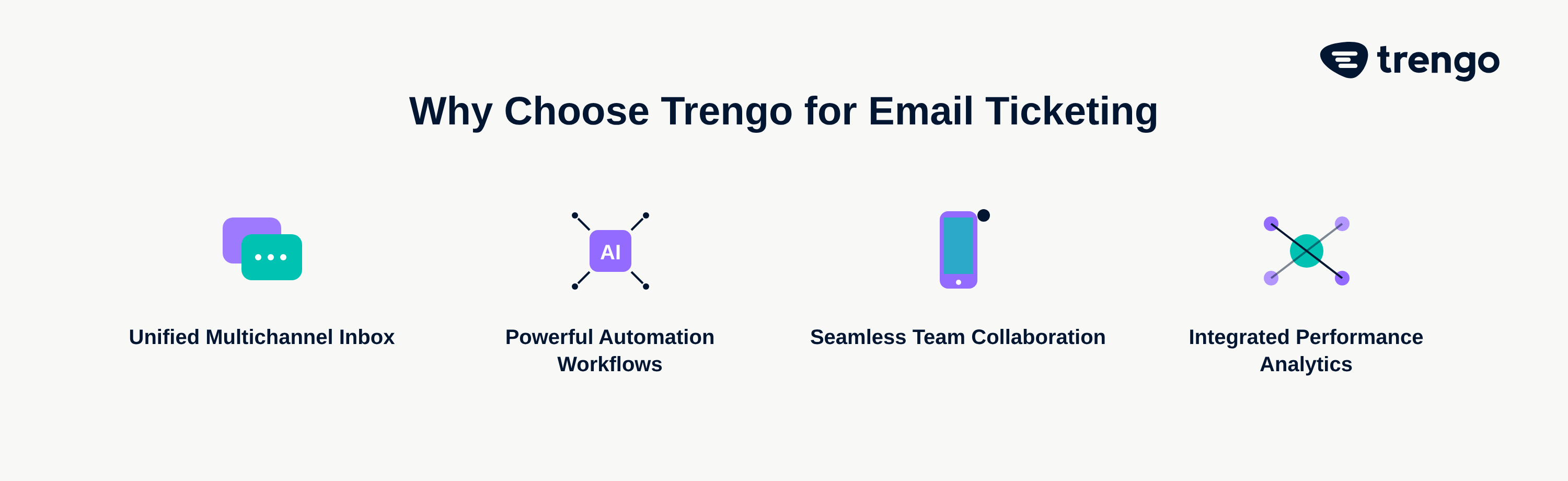
As you evaluate options for 2026, it's crucial to look beyond basic email to ticket functionality. The best email ticketing system is one that not only solves today's inbox problems but also prepares you for the future of customer communication.
1. A True Shared Inbox
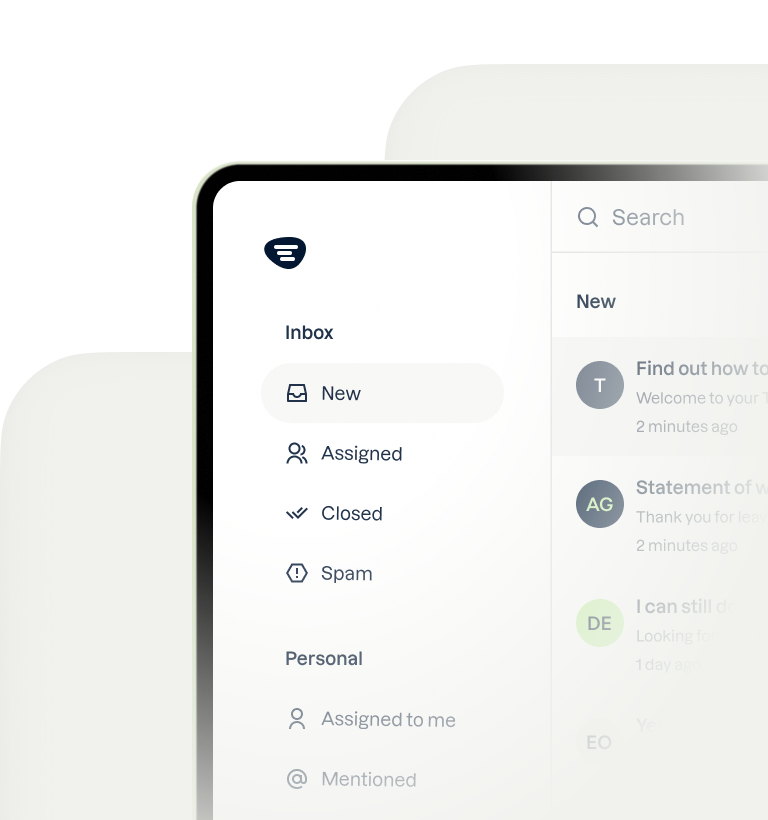
A modern shared inbox is much more than a shared login. It is a collaborative workspace where your entire team can view, assign, and manage customer conversations together. Everyone has full visibility into ticket statuses—open, pending, or closed—eliminating duplicate work and ensuring every customer gets a swift, coordinated response.
2. Powerful Automation and Workflows
Automation is the key to scaling support without scaling headcount. Look for a system with robust workflow capabilities. Essential features include automatically routing tickets based on keywords (e.g., "refund" goes to the finance team), sending instant confirmation replies so customers know their message was received, and using templates for quick replies to common questions. This level of customer service automation frees up your team to focus on more complex issues.
3. Integrated Reporting and Analytics
Data drives improvement. A quality customer service email system must have built in reporting dashboards that give you a clear view of your support performance. Tracking key metrics like First Response Time (FRT), Average Resolution Time, and customer satisfaction (CSAT) scores is essential for understanding your team's efficiency and the quality of your service.
4. Seamless Team Collaboration Tools
Effective collaboration is the backbone of great customer service. Your chosen software should facilitate this with features designed for teamwork. The ability to internally @-tag a colleague on a ticket to ask for help, leave private notes that are invisible to the customer, and see who is currently viewing or working on a ticket are non negotiable features for an efficient team.
5. Multichannel Capabilities The Game Changer
Here is the most critical factor for success in 2026: an email-only system is already obsolete. Your customers are not just emailing you; they are reaching out on WhatsApp, sending Instagram DMs, and starting conversations on your website's live chat. The best systems unify all these channels into a single ticketing inbox. With Trengo's Omnichannel inbox, your team gets a complete view of every customer's history, regardless of the channel they use. This allows you to provide a consistent, seamless experience and manage all conversations from one place, without constantly switching between tabs. A modern platform may even be an AI ticketing system, using artificial intelligence to further enhance efficiency.
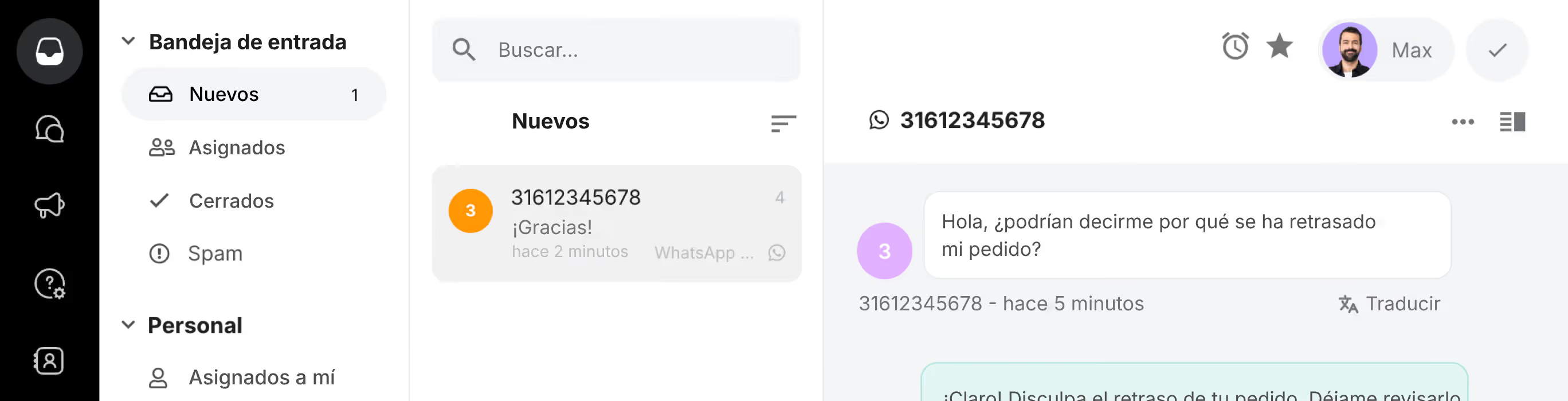
Every conversation in one shared inbox
WhatsApp, email, live chat, social and voice together, with the customer's details next to every conversation.
How to Choose the Right Email Ticketing System for Your Business
With so many options on the market, selecting the right platform can feel overwhelming. By focusing on your specific needs and understanding the main categories of solutions, you can make a confident choice.
Free vs. Open Source vs. SaaS Platforms
Email ticketing systems generally fall into three categories. An email ticketing system free of charge might work for a solo entrepreneur, but it will lack the features, scalability, and support needed for a growing team. Open source platforms offer deep customization but require significant technical expertise and resources for setup and ongoing maintenance. For most SMBs and mid market companies, SaaS (Software as a Service) is the ideal choice. SaaS solutions like Trengo are secure, easy to set up, fully supported, and designed to scale with your business.
Key Questions to Ask Vendors
When evaluating potential vendors, use this checklist to guide your decision:
- Does the system scale as my team and ticket volume grow?
- How easy is it to set up and train my team on the platform?
- What other channels beyond email does it support, such as WhatsApp Business API, Live Chat, or social media?
- What integrations are available with my other essential tools, like our CRM or e commerce platform?
Get Started with Your Email Ticketing System in 10 Minutes with Trengo
Leaving the chaos of a shared inbox behind is easier than you think. You can set up a powerful, multichannel ticketing system with Trengo and start seeing results immediately. Here is how simple it is to get started.
Step 1: Connect Your Existing Support Email
There is no need to change your customer facing email address. Simply set up forwarding from your existing support@ or info@ address to your new Trengo inbox. All your customer emails will start flowing in and converting to tickets instantly.
Step 2: Invite Your Team to the Shared Inbox
Send invitations to your team members so they can log in and access the shared inbox. Within minutes, your entire team can begin assigning, collaborating on, and resolving tickets in one organized environment.
Step 3: Add Other Channels for a Unified View
This is where the magic happens. Go beyond email by connecting at least one other channel, like your website's live chat or your WhatsApp Business number. This will give you a firsthand look at the power of a truly unified inbox and a single view of your customer.
Ready to tame your inbox and delight your customers with a modern, multichannel approach? Start your free 14-day trial of Trengo today.
Preguntas frecuentes

The main purpose of a ticketing system is to centralize, manage, and track all customer conversations in one place. This ensures that every customer inquiry is accounted for, responded to in a timely manner, and resolved efficiently, ultimately improving service quality and customer satisfaction.
The "best" system depends on a business's specific needs, but in 2026, the ideal solution is one that is collaborative, easy to use, and unifies all customer communication channels, not just email. A platform like Trengo, which combines email with WhatsApp, live chat, and social media, represents the modern standard for excellent customer service.
Leading platforms in 2026 often include comprehensive customer communication platforms like Trengo, alongside more traditional helpdesks such as Zendesk and Freshdesk. The key is to find a platform that grows with you and supports all the channels your customers actually use to contact you.
No, Google Workspace does not have a true ticketing system. While it offers a "Collaborative Inbox" feature for Google Groups, it lacks essential functionalities like automated ticket assignment, service level agreements (SLAs), detailed performance reporting, and native multichannel integration that are standard in dedicated platforms.
Still switching between five inboxes?
Trengo puts every channel in one shared inbox.



Reunámonos
Haga crecer su negocio con la fidelización. Reúna todos los contactos con sus clientes en una única plataforma para satisfacerlos en todo momento.