How to Respond to Google Reviews in 2026

Try Trengo for Free

Trengo unites WhatsApp, email, web, social media, and calls in one inbox, saving your team hours of repetitive work and ensures no conversation is ever lost
Why Responding to Google Reviews is Non-Negotiable in 2026
Summary
Learning how to respond to Google Reviews is a critical business function in 2026, directly impacting your local SEO, customer trust, and sales pipeline. This article provides a complete framework for handling both positive and negative reviews, offering actionable templates and strategies. It also demonstrates how a platform like Trengo, with its AI-powered shared inbox, transforms review management from a chaotic task into a streamlined, efficient process that drives business growth.
TL;DR
- Responding to every Google Review boosts your local SEO rankings in Google's Map Pack and search results.
- Public responses act as a powerful form of social proof, demonstrating excellent customer service and building trust with potential customers.
- A structured approach like the Acknowledge, Apologize, Act framework helps you professionally resolve negative feedback and turn critics into fans.
- Personalized responses to positive reviews reinforce brand value and can subtly improve your keyword rankings.
- Tools like Trengo centralize Google Reviews with all other customer channels, using AI to draft on-brand responses instantly and save your team valuable time.
In 2026, Google Reviews are far more than just a star rating; they are a direct, public conversation between your business and your customers. Ignoring them is like leaving the phone ringing in a busy store. Responding is no longer just good practice—it's a non-negotiable part of modern customer service and a powerful engine for growth. Every single review, whether glowing or critical, is an opportunity to strengthen your brand and win over new business.
Boosts Local SEO
Google's algorithm loves engagement. When you consistently respond to reviews, you're sending a strong signal to Google that your business is active, attentive, and values its customers. This activity can significantly improve your visibility in local search results, especially in the highly coveted "Map Pack." More engagement often leads to higher rankings, which in turn leads to more clicks, calls, and foot traffic.
Builds Customer Trust and Loyalty
Research consistently shows that over 90% of consumers read online reviews before making a purchase decision. Your responses are a public record of how you treat your customers. A thoughtful reply to a negative review or a personalized thank you for a positive one shows that you are transparent, you care, and you listen. This builds immense social proof and fosters a sense of loyalty that keeps customers coming back.
Provides a Public Forum for Customer Service
Think of your Google Reviews page as a stage. How you handle a complaint in front of everyone says more about your business than a dozen perfect reviews. A well-crafted response to a negative experience can not only salvage the relationship with that customer but also impress countless prospective customers who are watching from the sidelines. It's your chance to publicly demonstrate your commitment to quality and satisfaction.
Creates a Valuable Feedback Loop
Your reviews are a goldmine of free, unfiltered market research. They tell you exactly what you're doing right and where you have opportunities to improve. By actively monitoring and engaging with reviews, you create a valuable feedback loop that can inform product development, service protocols, and staff training. This feedback is essential for staying competitive and adapting to customer needs.
How to Respond to Negative Google Reviews
Receiving a negative review can feel like a personal attack, but it's crucial to respond professionally and constructively. A great response can mitigate the damage, solve a customer's problem, and show other potential customers that you take accountability seriously. The key is to have a clear and consistent framework.
The 3-A Framework: Acknowledge, Apologize, Act
This simple, memorable framework ensures your responses are always empathetic, professional, and solution-oriented.
- Acknowledge: Always start by addressing the reviewer by name and thanking them for taking the time to provide feedback. Specifically mention their core complaint (e.g., "Thank you for letting us know about the long wait time you experienced."). This proves you've actually read and understood their issue, rather than just using a canned response.
- Apologize & Empathize: Offer a sincere, unconditional apology for the negative experience. Avoid defensive language or excuses. Show empathy by validating their feelings (e.g., "We are so sorry we didn't meet your expectations," or "I can understand how frustrating that must have been.").
- Act: This is the most critical step. State what you are doing to fix the situation. Offer to take the conversation to a private channel like email or phone to get more details and resolve it personally. This shows you're proactive without discussing sensitive information in public. End by explaining how you'll use their feedback to prevent the issue from happening again.
Negative Review Response Examples
Seeing the framework in action makes it easier to apply. Let's look at a common scenario with a poor response versus a great one.
Scenario: A customer complains about slow service and a cold meal at a restaurant.
Bad Response:"We were very busy on Saturday night. The kitchen does its best. We don't usually get complaints."
Good Response:"Hi [Reviewer Name], thank you for sharing your feedback with us. We are truly sorry to hear that your meal was not served to our usual standards and that you experienced a long wait. This is certainly not the experience we want for our guests, and we sincerely apologize for the frustration this caused. We would appreciate the opportunity to make this right. Please contact our manager, Sarah, at [email address] so we can learn more about your visit. We'll be using your comments in our team meeting this week to improve our service speed and food quality checks."
Dealing with Fake or Unfair Reviews
Occasionally, you may receive a review you suspect is fake or from a competitor. Your first step should be to flag the review for Google to investigate, but be aware that removal is not guaranteed. While you wait, you should still respond publicly and professionally. State the facts calmly without being accusatory. For example: "Hello [Name], thank you for your feedback. We've checked our records and cannot find any customer or transaction matching your name and the details of your experience. If you are a customer, we would be grateful if you could contact us directly at [email address] to help us locate your record and address your concerns." This approach shows other readers you're diligent, even when faced with a questionable review. While a direct resolution is best, understanding how to change a bad review from a legitimate customer's perspective always begins with a great initial response and proactive offline follow-up.
How to Respond to Positive Google Reviews with Examples
Positive reviews deserve just as much attention as negative ones. Responding not only shows appreciation to your happy customers but also serves as a powerful marketing tool. Avoid generic replies and use each review as an opportunity to amplify the good things people are saying about your business.
Go Beyond "Thank You"
A simple "Thanks!" is better than nothing, but it's a missed opportunity. Personalize every response. Use the reviewer's name and reference a specific detail they mentioned. If they praised a particular employee, product, or aspect of your service, acknowledge it. This makes the customer feel genuinely heard and appreciated, and it reinforces positive behaviors with your team.
Reinforce Your Brand and Keywords
Your responses are indexed by Google and read by potential customers. This is your chance to subtly weave in brand values and keywords. If a customer mentions your "quick delivery," you could respond, "We're so glad you enjoyed our speedy delivery! We pride ourselves on being the most efficient [your service] provider in [your city]." This reinforces your strengths for both the algorithm and human readers. Once you have a solid system for responding, the next logical step is to learn how to get more Google Reviews and build even greater social proof.
Positive Review Response Examples
Here are a few templates for different types of positive reviews:
- For a detailed 5-star review:"Hi [Reviewer Name], thank you so much for your wonderful and detailed review! We're thrilled to hear that you loved the [specific product/service mentioned] and that [Employee's Name] provided such great service. We've passed your kind words along to them. We look forward to seeing you again soon!"
- For a 5-star review with no comment:"Thank you for the 5-star rating, [Reviewer Name]! We truly appreciate your support and are so glad you had a positive experience with us. Hope to welcome you back again!"
- For a 4-star review with minor criticism:"Hi [Reviewer Name], thank you for the great 4-star review and for your valuable feedback on [the issue]. We're so happy you enjoyed [the positive aspect], and we've already taken your suggestion about [the issue] to heart. We hope to earn that 5th star on your next visit!"
Streamline Your Workflow: How to Answer to Google Reviews Efficiently with Trengo
Knowing how to respond is one thing; managing the process efficiently is another. For many businesses, Google Reviews are siloed, checked infrequently, and handled inconsistently. This leads to missed opportunities and a damaged reputation. The modern solution is to integrate them into your central communication hub.
Unify Your Communications in One Shared Inbox
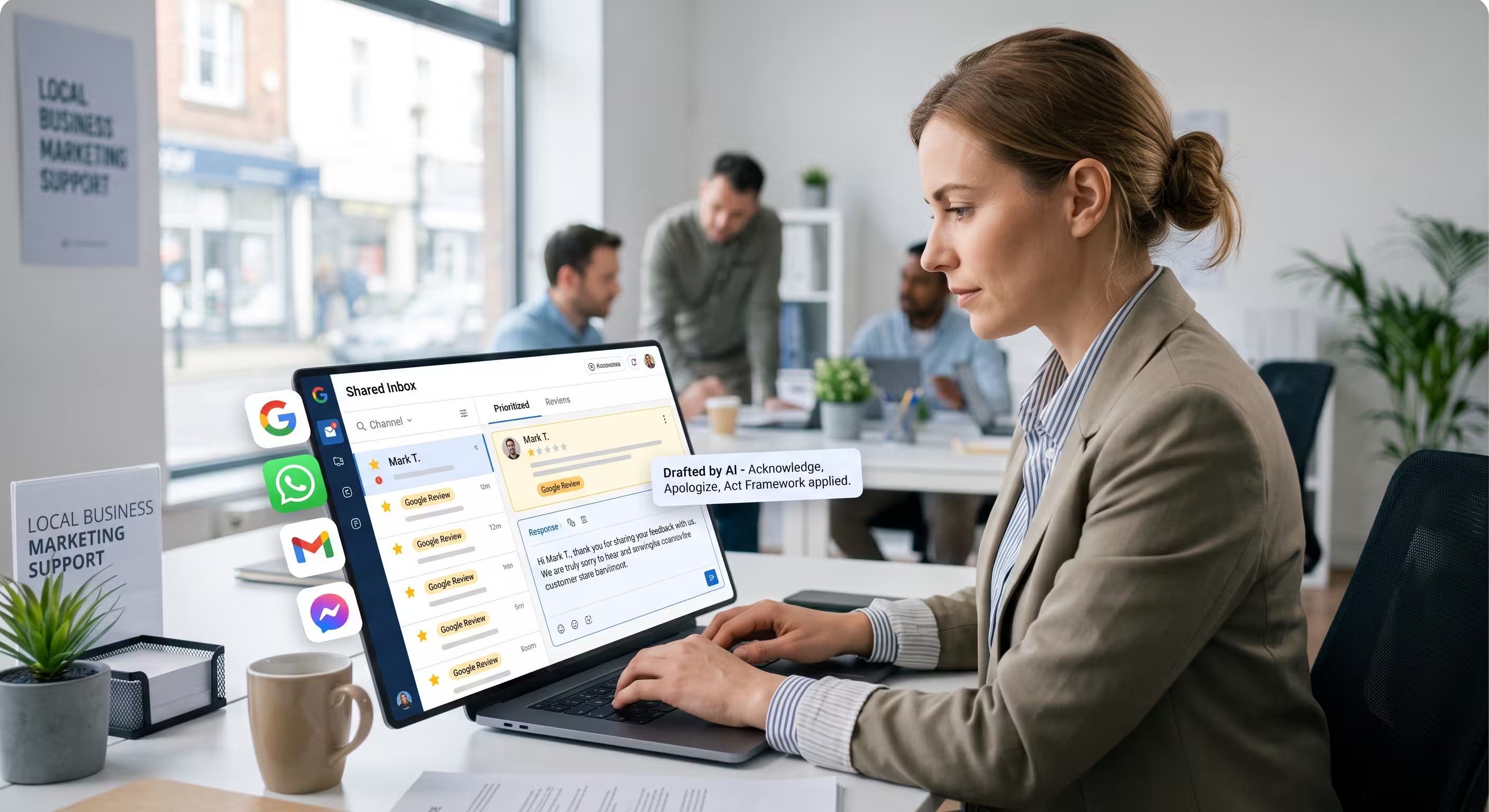
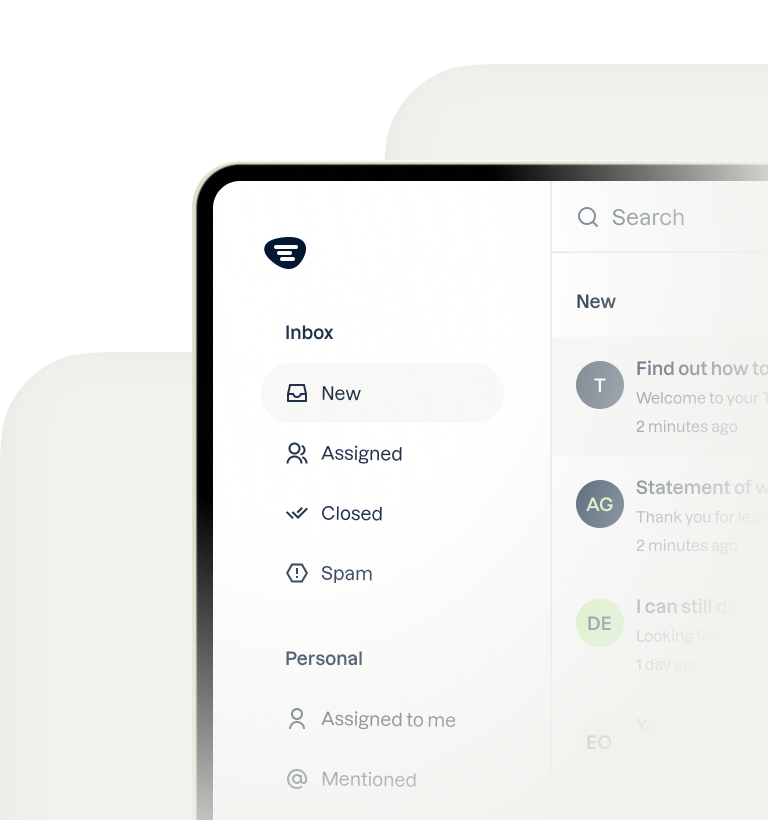
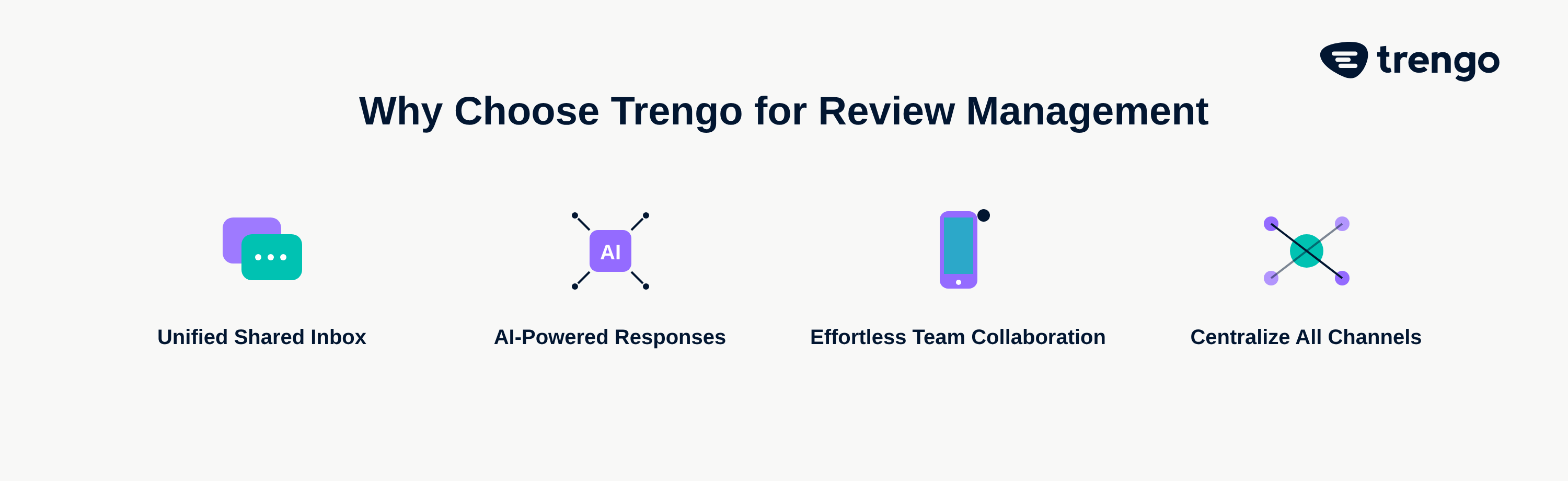
The biggest challenge with Google Reviews is that they live on a separate platform. Responses are often delayed because only one person has the Google Business Profile login, or they simply forget to check. Trengo solves this by integrating Google Reviews directly into a shared inbox. Your reviews appear right alongside emails, WhatsApp messages, and social media DMs. This creates a single, unified view of every customer conversation, ensuring no review ever slips through the cracks.
Collaborate with Your Team on Responses
With reviews centralized in Trengo, collaboration becomes effortless. You can assign a negative review to a support manager for follow-up, tag a positive review for the marketing team to share, or leave internal notes to discuss the best response with a colleague. Using labels like 'Complaint-Resolved' or 'Product-Feedback' helps you track trends and measure performance, turning your review management into a well-oiled machine.
Use AI to Draft Perfect, On-Brand Responses in Seconds
Writing unique, personalized responses takes time. Trengo's AI and automation features revolutionize this process. The AI can instantly analyze a review's sentiment, identify the key topics, and generate a draft response that aligns with your company's specific tone of voice. This frees up your team from repetitive writing tasks, ensures brand consistency across all replies, and reduces response times from hours to seconds. A team member simply reviews the AI-generated draft, adds a final human touch, and hits send.
Ready to manage your Google Reviews without the headache? See how Trengo brings all your customer conversations into one smart inbox. Learn More
Frequently Asked Questions

You can respond directly from your Google Business Profile dashboard on a desktop or via the Google Maps app on mobile. For a much more efficient workflow, you can use an integrated platform like Trengo to manage reviews alongside all other customer communication channels in one inbox.
Yes, but they must be extremely careful to comply with patient privacy laws like HIPAA. Responses must be general and should never confirm that the reviewer is a patient or mention any personal health information. It is best to stick to thanking them for their feedback without acknowledging any specifics.
A Google review response is your business's public reply to a customer's review. While you cannot reply to a customer's reply in a threaded conversation, customers can edit their original review. If they edit their review to add a comment on your response, you can then edit your original response to provide an update or continue the dialogue.
The most common reasons are that you do not have 'Owner' or 'Manager' permissions for the Google Business Profile, the profile has not yet been verified by Google, or there is a temporary technical issue with Google's platform. Ensure you are logged in with the correct account that has the proper access level.
No, business owners cannot include photos or videos in their responses to Google reviews. The response is limited to text only.
No, only users who have been granted 'Owner' or 'Manager' access to a specific Google Business Profile can post official responses on behalf of the business. The general public cannot respond to a review left for a business.



Let's meet
Grow your business with loyalty. Bring all of your customer contact into one, single platform to unlock delight at every step of the way.