How to Contact TikTok Customer Service in 2026

Try Trengo for Free

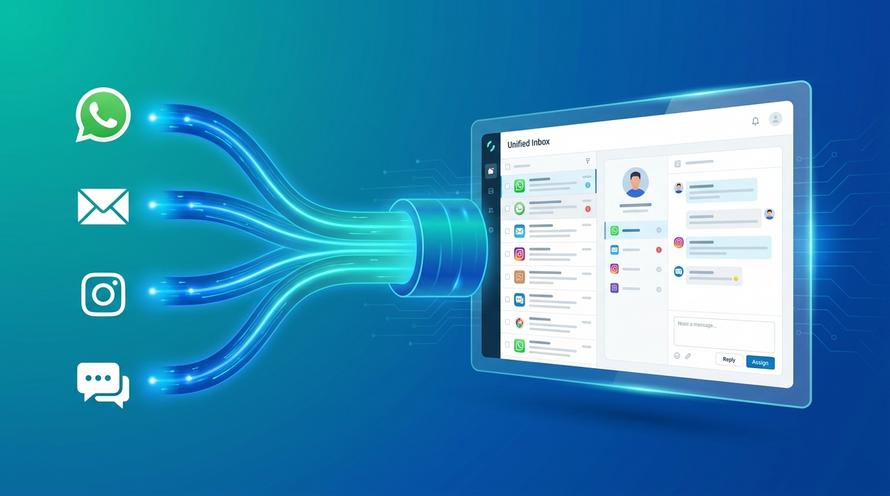
Trengo unites WhatsApp, email, web, social media, and calls in one inbox, saving your team hours of repetitive work and ensures no conversation is ever lost
How to Contact TikTok Customer Service in 2026
Summary
Trying to find TikTok customer service can be a challenging process, as direct contact methods like a phone number or live chat are not publicly available for general users. This content outlines every official method to get support in 2026, from using the in-app "Report a Problem" feature to submitting tickets through the Help Center. For businesses, we explore how to shift from seeking support to providing excellent customer service on TikTok by leveraging tools like the TikTok Business Messaging API with a centralized platform.
TL;DR
- TikTok does not offer a public customer service phone number or a universal live chat for general support due to its massive user base of over two billion people.
- The primary and most effective method to contact support is through the in-app "Report a Problem" feature found in your profile's "Settings and privacy" menu.
- For web users, the official TikTok Help Center provides support ticket forms and specific web forms for issues like appealing a banned account or reporting privacy violations.
- TikTok Shop has a separate support system for sellers and buyers, accessible via the Seller Center and in-app order history, respectively.
- Businesses can provide superior support on TikTok by using the TikTok Business Messaging API to manage DMs in a shared inbox, automate responses, and collaborate as a team.
It is one of the most common and frustrating experiences of the digital age: you have a serious problem with your TikTok account, but finding a direct line to a human for help feels nearly impossible. Whether you are dealing with a hacked account, an unfair ban, or an issue with a TikTok Shop order, the search for a simple contact number or email can leave you feeling lost. You are not alone in this struggle.
The good news is that while a direct phone call is off the table, there are several official and effective channels to get your issue reviewed by TikTok's support teams. This article provides a complete and updated overview of every available method for individual users, creators, and businesses to contact TikTok customer service in 2026. We will walk you through each step, manage your expectations, and show you exactly where to go for help.
The Reality Check: Why You Cannot Just Call TikTok
Before we dive into the specific methods, it is important to set realistic expectations. With a global user base exceeding two billion people, operating a public-facing call center for general support is not a feasible or scalable solution for a platform like TikTok. The sheer volume of inquiries would be overwhelming. Instead, TikTok relies heavily on a structured system of automated tools and specialized online support channels to manage user issues efficiently.
This reliance on in-app reporting and web-based forms allows them to categorize and prioritize problems, routing critical issues like safety violations or account takeovers to the appropriate human moderation teams while using automated responses for more common queries. Understanding this framework is the first step to navigating their support system effectively and avoiding the frustration of searching for a contact method that does not exist.
Official Channels: How to Contact TikTok Support for Users and Creators
This is the core of your search: the actionable, official ways to submit a request to TikTok. For the best results, be as detailed and clear as possible in your report, providing all relevant information upfront. Vague requests are far less likely to receive a helpful response.
Method 1: The In-App Report a Problem Feature
This is TikTok's primary and most encouraged method for all users. It is designed to be the first place you go for any issue, as it automatically collects important diagnostic information about your account and device, which can help the support team investigate. To use it, follow these steps:
- Open the TikTok app and go to your Profile page by tapping the icon in the bottom right.
- Tap the three horizontal lines (the menu icon) in the top-right corner.
- Select Settings and privacy from the bottom of the menu.
- Scroll down to the "Support & about" section and tap on Report a Problem.
- You will see a list of topics (e.g., "Account and profile," "TikTok Shop," "Safety and reporting"). Select the category that best matches your issue.
- Follow the on-screen prompts. If the provided articles do not solve your problem, tap "No" at the bottom where it asks "Is your problem resolved?" and then tap "Need more help?".
- This will open a feedback form where you can write a detailed description of your issue. Include your username, the date the problem started, and any specific error messages. You can also attach screenshots or screen recordings, which are highly recommended for providing clear evidence.
Method 3: Submitting a Ticket Through the TikTok Help Center
If you cannot access your account or prefer to use a desktop browser, the TikTok Help Center is the web based equivalent of the in app feature. This online portal contains a vast library of articles and guides. If you cannot find a solution there, you can submit a support ticket directly.
To do this, navigate to the official TikTok Help Center website. Browse through the topics to find one related to your problem. At the bottom of many articles, you will find a "Feedback" section or a direct link to a support ticket form. Fill this out with as much detail as possible. This method is particularly useful for account recovery issues where you may not be able to log in to the app.
Method 4: Using TikToks Official Web Forms
For certain high priority issues, TikTok has created dedicated web forms to streamline the reporting process. These forms are designed to collect very specific information needed to investigate complex cases. The most common one is the "Share your feedback" form, which functions as a general contact method. However, you can also find more specialized forms by searching the Help Center for your specific problem, such as:
- Ban Appeal Form: If your account has been banned, the notification you receive in the app should contain a direct link to an appeals form. This is the only official way to request a review of an account suspension.
- Privacy Report Form: For issues related to data privacy or violations of your personal information.
- Intellectual Property Report Form: For copyright or trademark infringement claims.
Method 5: Email Support Is Limited to Specific Cases
TikTok does not publish a general customer support email address for everyday account issues. For most users, the official route is the in-app Report a Problem feature or the TikTok Help Center.
Email contact is generally reserved for specific services or cases, such as TikTok Shop, legal requests, privacy concerns, or intellectual property matters. If you find a TikTok support email address on a third-party website, verify that it is still listed on an official TikTok domain before sending any personal or account information.
Bundan hemen sonra mevcut “Specialized Support for Business Sellers and Advertisers” bölümün devam edebilir.
Specialized Support for Business Sellers and Advertisers
TikTok recognizes that businesses, sellers, and advertisers have unique and often more time sensitive needs. As a result, they have created separate, dedicated support ecosystems for these user groups.
For TikTok Shop Sellers and Buyers
The TikTok Shop operates with its own customer service infrastructure. If you are a seller, your primary resource is the TikTok Seller Center. This dashboard provides access to a dedicated help section, support articles, and a system to submit tickets for issues related to payments, product listings, shipping, and returns. If you are a buyer, support is handled directly through your order history in the app. You can request refunds, report an issue with an item, or contact the seller directly from the order details screen.
For Advertisers and Businesses
Anyone running paid campaigns on the platform should use the TikTok For Business Help Center. This portal is tailored to advertisers and contains resources on ad account issues, campaign performance, billing problems, and policy questions. Business account users often have access to more direct support options, including, in some cases, a dedicated chat feature to resolve ad related issues quickly.
The New Standard: Providing Excellent Customer Service on TikTok
After navigating the complexities of getting support *from* TikTok, a powerful opportunity emerges for businesses: providing the kind of instant, helpful support *on* TikTok that customers wish the platform itself offered. As more consumers discover products and engage with brands directly in the app, their expectations for service have shifted. They want answers now, in the same channel where their interest was sparked.
Why Your Customers Expect Answers in Their TikTok DMs
The rise of conversational commerce has transformed social media platforms into primary customer service channels. A potential customer sees your product in a video, has a question about sizing or shipping, and sends a Direct Message. Forcing them to leave the app, find your website, and send an email creates friction that loses sales. Being responsive and helpful directly in TikTok DMs is no longer a bonus; it is a core part of the modern customer journey.
The Solution: Unlocking Proactive Support with the TikTok Business Messaging API
Managing a high volume of DMs from a single phone is chaotic and unsustainable. This is where official business solutions come in. The key to professionalizing your TikTok support is the API integration. Businesses can integrate the TikTok Business Messaging API to connect their TikTok DMs to a centralized customer service platform. This allows a team to manage conversations at scale with the same efficiency as email or live chat.
How a Shared Inbox Transforms Your TikTok Support
Connecting the API to a multichannel platform like Trengo fundamentally changes how you handle customer interactions on TikTok. Instead of a disorganized feed of DMs on one person's phone, you gain a powerful shared inbox with features designed for professional service.
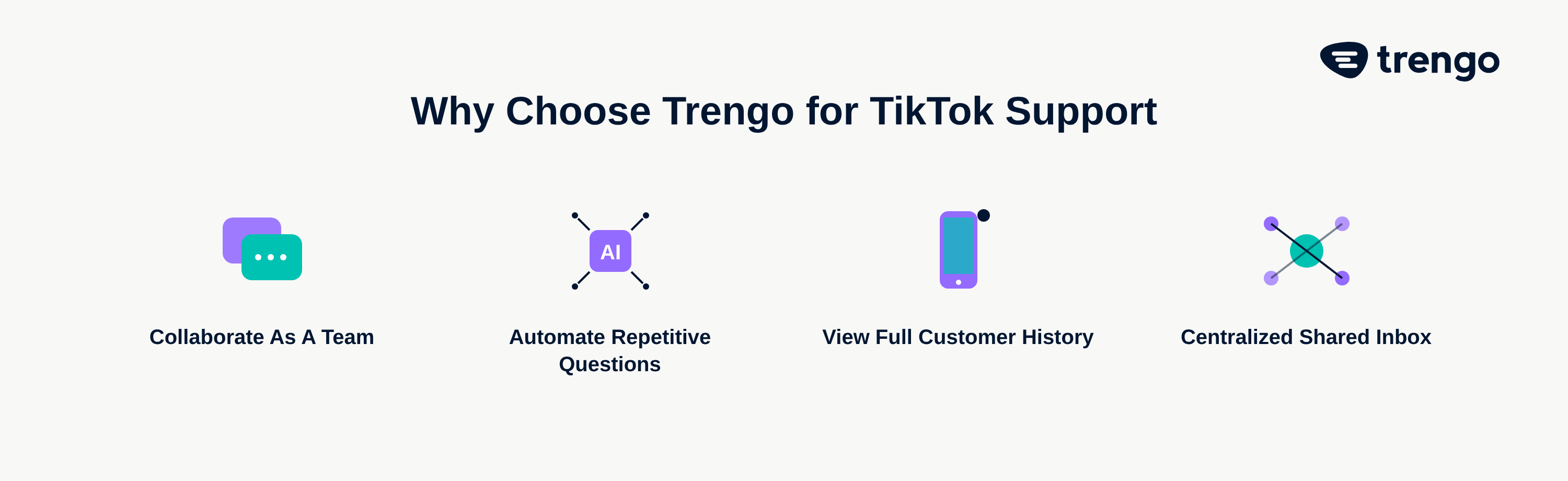
Collaborate as a Team
With a shared inbox, multiple agents can access and respond to incoming TikTok DMs simultaneously. There is no more confusion about who has answered what. Team members can assign conversations to the right department (e.g., sales or support), leave internal notes for context, and ensure that every customer receives a fast and accurate response from the most qualified person.
Automate Repetitive Questions
A significant portion of customer inquiries are repetitive: "Where is my order?" or "What are your shipping costs?". Flowbots or AI agents can be configured to instantly answer these common questions 24/7. This frees up your human agents to focus on complex, high value conversations that require a personal touch, dramatically improving both efficiency and customer satisfaction.
See Your Customers Full History
A true omnichannel platform unifies conversations from every channel. When a customer sends a DM on TikTok, your agents can immediately see if that same person has previously sent an email or started a chat on your website. This complete historical context allows your team to provide personalized, informed support without asking the customer to repeat themselves, creating a seamless and professional experience.
Frequently Asked Questions

As of 2026, TikTok does not have a public facing customer service phone number for general user support. The best way to get help is through their in app reporting tools and the official Help Center.
Response times can vary significantly based on the issue's complexity and report volume. While automated responses are common, human agents do review critical issues like account bans or safety concerns, though it may take several days or weeks.
For a banned account, use the official appeals form provided in the ban notification. For a hacked account, immediately use the "Report a Problem" feature in the app, selecting the "Account and profile" category, and submit a support ticket through the Help Center.
Currently, TikTok does not offer a universal live chat support feature for general users. Some business advertisers may have access to a chat feature within the TikTok for Business portal.
TikTok's support teams are distributed globally to handle regional issues. They do not have public facing physical offices for customer service. All support is handled online.
Buyers can request a refund directly through their order history in the TikTok app. Navigate to your profile, tap the menu, select "Orders," find the relevant item, and follow the prompts to request a return or refund.
More like this



Let's meet
Grow your business with loyalty. Bring all of your customer contact into one, single platform to unlock delight at every step of the way.