How to Reduce Bounce Rate in E-commerce (2026)


Try Trengo for Free

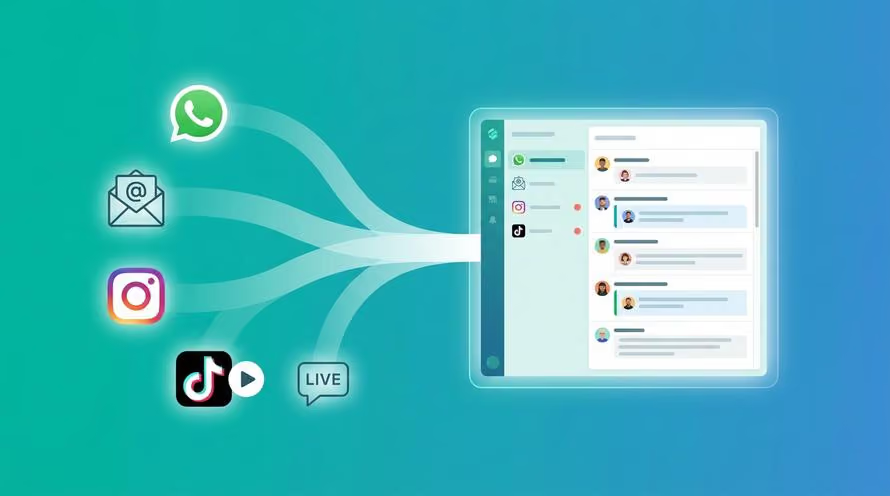
Trengo unites WhatsApp, email, web, social media, and calls in one inbox, saving your team hours of repetitive work and ensures no conversation is ever lost
How to Reduce Bounce Rate in E-commerce
Summary
This guide provides a definitive overview of how to reduce bounce rate in e-commerce for 2026. A high bounce rate is a direct cause of lost revenue, indicating that visitors leave your site without taking any action. By understanding what bounce rate is, analyzing it correctly in Google Analytics 4, and implementing key strategies like improving site speed and providing instant AI-powered support, you can turn bouncing visitors into loyal, paying customers.
TL;DR
- A bounce is a single-page session where a visitor leaves without interacting further.
- A "good" bounce rate is contextual; product pages should be 20-45%, while blogs can be 70-98%.
- Use Google Analytics 4 to analyze bounce rates by traffic channel, device, and landing page.
- Reduce bounce rate by improving page speed, optimizing landing pages, and matching ad copy to page content.
- Implement AI chatbots to provide instant answers to customer questions, preventing frustration and exits.
- A lower bounce rate is a direct result of a superior customer experience.
What is Bounce Rate?
Bounce rate is the percentage of single-page sessions on your website. In simpler terms, it measures how many visitors land on one of your pages and then leave without clicking on any other links, adding a product to their cart, or filling out a form. Think of it like a customer walking into a physical store, glancing at a single aisle, and immediately walking out. It's a critical indicator of user experience, content relevance, and overall site performance. A high bounce rate often signals a disconnect between what the visitor expected and what they found on your page. It's important to distinguish this from Exit Rate, which is the percentage of visitors who leave your site from a specific page, regardless of how many other pages they visited during that session. Understanding your website bounce rate is the first step toward optimizing the customer journey.
What is a Good Bounce Rate?
Answering "what is a good bounce rate" depends entirely on the context of the page. A high bounce rate isn't universally bad. For instance, if a visitor lands on your contact page, finds your phone number, and leaves, that's a successful interaction, even though it counts as a bounce. However, for core e-commerce pages, you want users to engage. Bounce rate is one of several crucial customer engagement metrics you should track. Here are some general e-commerce benchmarks for 2026:
- E-commerce Product Pages: 20% - 45% (Good)
- E-commerce Homepages: 30% - 55% (Average)
- Landing Pages from ads: 60% - 90% (Can be normal, but worth optimizing)
- Blog Posts: 70% - 98% (High, but expected if they find their answer and leave)
How to Analyze Your E-commerce Bounce Rate
To effectively reduce your bounce rate, you must first understand where the problem lies. Looking at an overall site average is not enough; you need to dig into your analytics to find actionable insights. Google Analytics 4 (GA4) is the industry standard tool for this.
Finding Your Data in Google Analytics 4 (GA4)
Google Analytics 4 shifts the focus from bounce rate to its inverse: Engagement Rate. An engaged session is defined as one that lasts longer than 10 seconds, has a conversion event, or has at least two pageviews. While Engagement Rate is a valuable metric, many marketers still prefer the traditional bounce rate view. You can add "Bounce Rate" as a customizable metric to your standard reports in the GA4 interface to analyze your data in the way you're most familiar with.
Segmenting Your Data for Actionable Insights
Never look at your site's overall bounce rate in isolation. The real power comes from segmentation, which helps you pinpoint specific problem areas. Analyze your bounce rate by:
- Traffic Channel: Are visitors from social media bouncing more than those from organic search? This could indicate a mismatch in user intent or ad messaging.
- Device: Is the bounce rate significantly higher on mobile devices compared to desktops? This is a clear signal of a poor mobile user experience or performance issues.
- Landing Page: Identify the specific product pages, category pages, or blog posts with the highest bounce rates. These are your top priorities for optimization.
- New vs. Returning Visitors: If new visitors are bouncing at a high rate, your site might seem confusing or untrustworthy to a first-time user.
5 Ways to Lower Bounce Rate
Once you've identified your problem areas, it's time to take action. Implementing a combination of the following strategies will help keep visitors on your site longer, guiding them toward a purchase and reducing your high bounce rate.
1. Enhance Your Website Performance
Website speed is non-negotiable in e-commerce. A slow-loading page is one of the biggest reasons for a high bounce rate. Studies show that for every additional second of load time, conversion rates can drop significantly. Focus on these tangible tips: compress all product images without sacrificing quality, use a Content Delivery Network (CDN) to serve assets from locations closer to your users, enable browser caching, and minimize heavy scripts or plugins that slow down your site. Use free tools like Google PageSpeed Insights to diagnose and fix performance issues.
2. Optimize Your Landing Pages for Better Conversions
Your landing pages, especially product and category pages, must make an immediate positive impression. Ensure they are optimized for engagement and clarity. Key elements to focus on include: high-quality visuals with multiple product photos and videos, compelling copy that uses bullet points for scannability and focuses on benefits, and clear above-the-fold content. The product name, price, key benefit, and a prominent "Add to Cart" button should all be visible without any scrolling. Crucially, feature social proof like customer reviews, star ratings, and testimonials to build trust instantly.
3. Improve How You Attract Traffic
A high bounce rate often starts before the visitor even reaches your site. It’s caused by a mismatch between expectation and reality. The ad, social media post, or search result a user clicks must accurately reflect the content and offer of the landing page. If you run an ad promising "50% off all winter coats," the landing page must immediately feature that sale prominently. Any friction or confusion will cause a user to hit the back button without a second thought, which is a key factor in bounce rate SEO.
4. Rethink How You Use Popups and Other Intrusive Elements
Aggressive popups are a major source of user frustration and a direct cause of bounces. Avoid using immediate, full-screen popups that block content the moment a user arrives. Instead, opt for less intrusive methods like exit-intent popups, which only appear when a user's cursor moves towards the exit button, or subtle banners at the top or bottom of the page. Most importantly, ensure any popup you do use is extremely easy to close on all devices, especially mobile.
5. Provide Instant Support with AI Chatbots and Live Chat
Customers often bounce because they have a simple question but can't find the answer quickly. They might wonder, "Do you ship to my country?" or "Is this available in a different size?" If they can't get an immediate answer, they will leave to find a competitor who can provide one. This is where customer support automation becomes a powerful tool to reduce bounce rate. Implementing AI chatbots provides a 24/7 solution for instant responses, preventing user frustration. A tool like Trengo's AI agent can handle complex questions, check order statuses, and guide users to the right product, keeping them engaged and moving them further down the sales funnel.
Improve Your E-commerce Customer Experience with Trengo
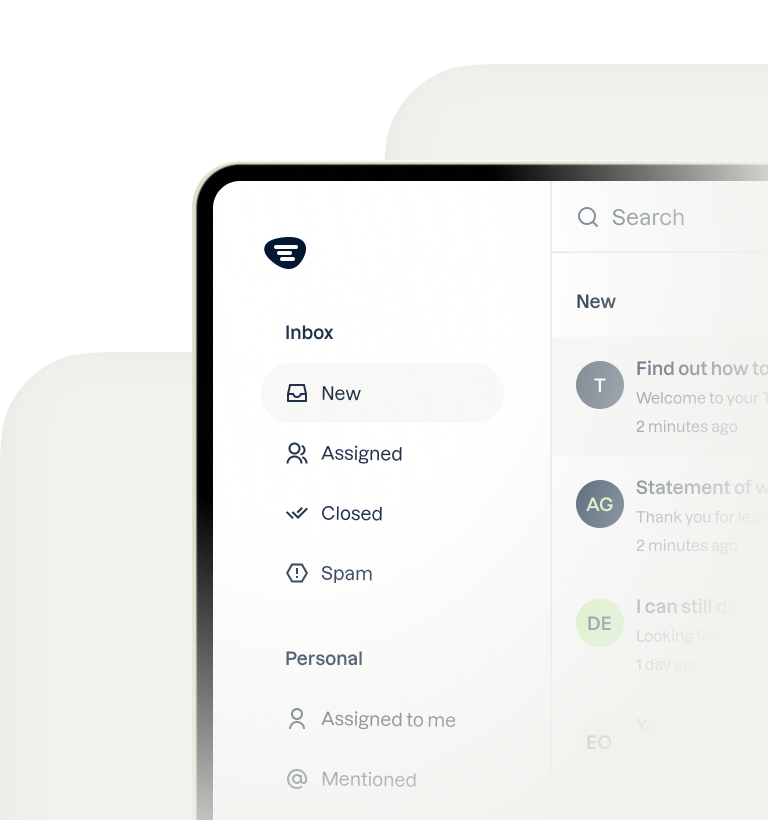
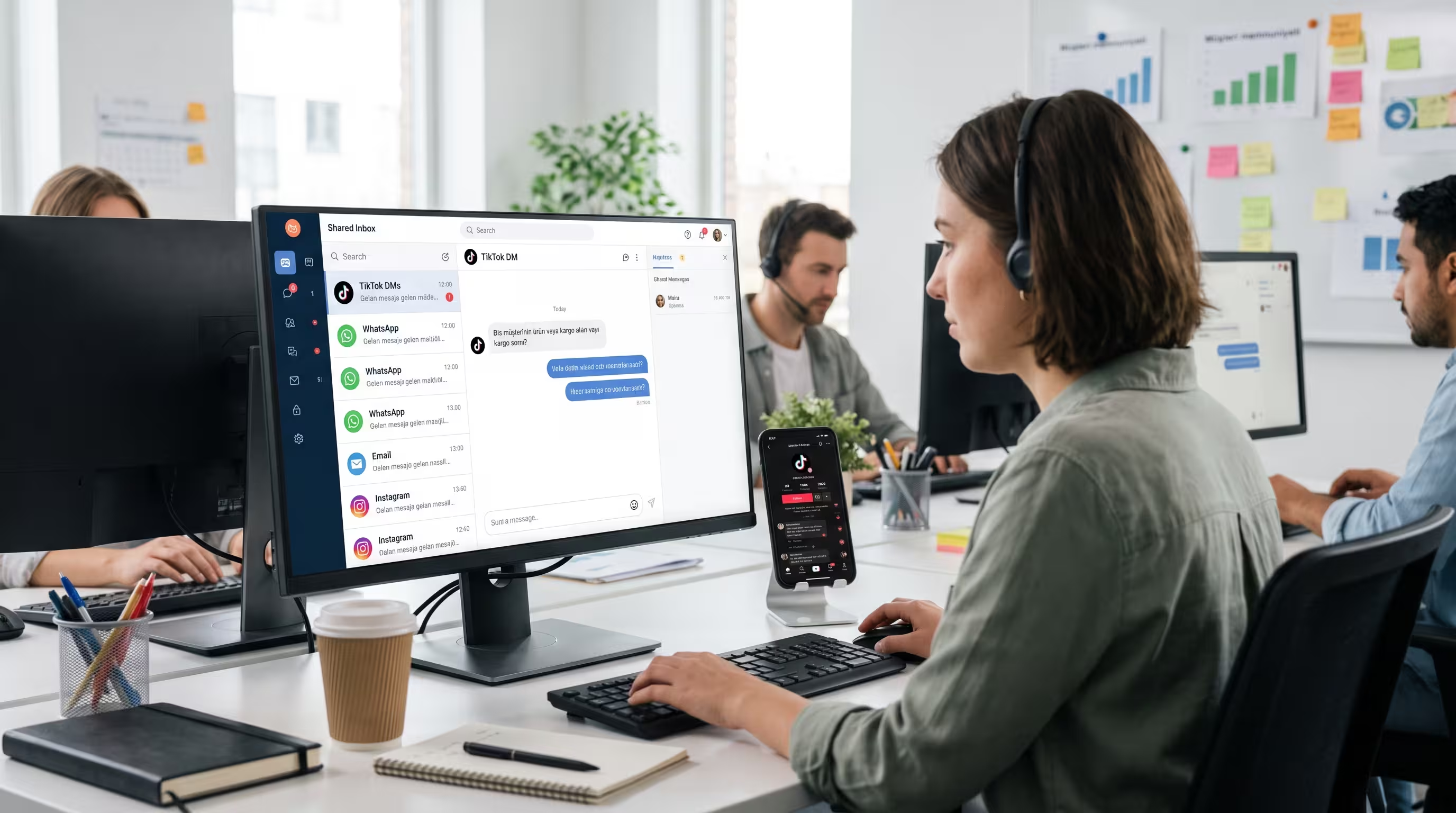
Ultimately, a low bounce rate is a symptom of a great customer experience. When visitors feel understood, supported, and valued, they are more likely to stay, explore, and buy. Trengo is the platform designed to create that seamless experience. With Trengo's Omnichannel inbox, you can consolidate all customer communications from live chat, email, WhatsApp, and social media into a single view, ensuring no question goes unanswered. Automation features like rules and quick replies empower your support team to respond faster, while AI agents handle common queries around the clock. This frees up your human agents to tackle more complex issues, keeping customers happy and engaged on your site. Ready to turn bounces into buyers and deliver a seamless shopping journey? Discover how you can improve your e commerce customer experience with Trengo.
Frequently Asked Questions (FAQ)

No, a 40% bounce rate is not necessarily high. For an e-commerce product page, a 40% bounce rate is generally considered good, indicating that most visitors are engaging further. However, for a homepage, it might be average. Context is critical, and it's more important to monitor trends over time than to fixate on a single number.
To reduce your bounce rate, you should start by conducting a thorough audit. First, analyze your highest-bounce pages in Google Analytics 4 to identify problem areas. Second, audit your site speed and mobile usability using tools like Google PageSpeed Insights. Finally, implement a live chat or chatbot solution to answer user questions instantly and prevent them from leaving out of frustration.
Your bounce rate is likely high due to one or more common culprits. The most frequent reasons include a slow-loading website, a poor mobile experience that is difficult to navigate, a mismatch between your ad copy and your landing page content, the presence of annoying or intrusive popups, or confusing site navigation that makes it hard for users to find what they're looking for.


Let's meet
Grow your business with loyalty. Bring all of your customer contact into one, single platform to unlock delight at every step of the way.