

Email Etiquette Tips for Better Customer Communication

Try Trengo for Free

Trengo unites WhatsApp, email, web, social media, and calls in one inbox, saving your team hours of repetitive work and ensures no conversation is ever lost

Email etiquette tips for better customer communication
Summary
Mastering professional email etiquette is essential for building trust and enhancing the customer experience in 2026. This article covers the critical rules of business email communication, from crafting the perfect subject line to leveraging team collaboration tools for consistent, high-quality responses. Following these guidelines helps prevent miscommunication, improves efficiency, and solidifies your brand's professional reputation with every message sent.
TL;DR
- Always use a clear, descriptive subject line that summarizes the email's content.
- Maintain a professional tone; avoid slang, all caps, and excessive exclamation points.
- Proofread every email for spelling and grammar errors before hitting send.
- Use a shared inbox to ensure consistent brand voice and faster response times.
- Leverage templates and automations to scale high-quality communication efficiently.
- Understand the proper use of To, Cc, and Bcc to respect recipient privacy and time.
What is Email Etiquette and Why It Matters for Your Business in 2026
Email etiquette is the code of conduct for writing and sending digital correspondence. It encompasses a set of conventions and rules that guide professional communication, ensuring messages are clear, respectful, and effective. In 2026, where digital interaction is the primary touchpoint for many customers, strong email etiquette is no longer a soft skill—it's a critical business asset. Adhering to these rules directly impacts your bottom line and brand perception.
- Builds Trust and Professionalism: Proper etiquette shows respect for the recipient's time and intelligence. A well-written email conveys competence and helps build a foundation of trust with customers and partners.
- Prevents Miscommunication: The absence of tone and body language in emails can easily lead to misunderstandings. Clear structure, concise language, and a courteous tone reduce the risk of costly errors and customer frustration.
- Improves Efficiency: Well-structured emails with clear subject lines and actionable requests get faster, more accurate responses. This streamlines workflows and boosts team productivity.
- Enhances Brand Image: Every email your team sends is a reflection of your company. Consistent, professional communication reinforces a positive brand image and contributes to an exceptional customer experience.
Business email etiquette rules every professional should follow
Adhering to a standardized set of rules ensures every interaction is professional and effective. These foundational best practices apply to nearly every business communication scenario, from internal memos to critical customer support inquiries. Implementing them across your team is the first step toward building a better communication strategy.
Craft a clear and descriptive subject line
The subject line is your first impression and arguably the most crucial part of your email. It determines whether your email gets opened, ignored, or sent to spam. A good subject line is concise and accurately summarizes the email's purpose. It provides context and allows the recipient to prioritize their inbox. For example, a subject line like "Question about your invoice #54321" is far more effective than a vague one like "Question" or "Hello."
Start with a professional greeting
Always begin your email with a proper salutation. Using the recipient's name shows respect and personalizes the message. The level of formality can vary based on your relationship. "Hi [Name]," is a safe and friendly standard for most business contexts. For more formal communication, "Dear Mr./Ms. [Last Name]," is appropriate. Avoid overly casual greetings like "Hey" unless you have an established, informal relationship.
Master the To, Cc, and Bcc fields
Understanding the function of each recipient field is fundamental to professional email etiquette. Using them correctly prevents confusion and respects everyone's inbox. Here’s a quick breakdown:
- To: Use this for the primary recipients. These are the people you expect a reply or action from.
- Cc (Carbon Copy): Use this for individuals who need to be kept informed but are not required to act. They are part of the conversation for visibility.
- Bcc (Blind Carbon Copy): Use this to conceal recipient email addresses from each other, which is essential for protecting privacy when sending a message to a large list of external contacts.
A note on "Reply All" etiquette: use it sparingly. Only reply to all if every single person on the original email chain truly needs to see your response. Unnecessary "Reply All" messages clutter inboxes and waste time.
Keep your message concise and easy to scan
Professionals are busy and receive dozens, if not hundreds, of emails daily. Respect their time by keeping your message brief and to the point. Use short paragraphs, bullet points, and numbered lists to break up text and make your key points scannable. Bold key phrases or deadlines to draw attention to the most critical information. The goal is to make it as easy as possible for the recipient to understand your message and take the required action.
Pay close attention to your tone
Because email lacks non-verbal cues like facial expressions and voice intonation, your tone can be easily misinterpreted. What you intend as efficient can come across as abrupt, and what you intend as funny can be perceived as sarcastic. To maintain a professional tone, avoid using all caps (WHICH FEELS LIKE SHOUTING), excessive exclamation points, and complex sarcasm. Emojis can sometimes add warmth, but use them with caution; their appropriateness depends entirely on your audience and your existing relationship.
Proofread every email before sending
Typos and grammatical errors can undermine your credibility and make your message look unprofessional. They suggest a lack of attention to detail. Before you click "Send," take a moment to reread your email. Reading it aloud can help you catch awkward phrasing and mistakes your eyes might have skipped over. Using a grammar-checking tool can also provide an extra layer of quality control.
Be mindful of attachments
When sending attachments, follow a few simple best practices. First, always mention the attachment in the body of your email (e.g., "I’ve attached the Q4 report for your review."). Second, use a clear and logical file name, such as "Q4-Marketing-Report-2026.pdf" instead of a generic "document1.pdf." Finally, be conscious of file size. If a file is very large, consider compressing it or sharing it via a cloud service link instead of attaching it directly.
Finish with a professional closing and signature
End your email with a polite and professional closing. Phrases like "Best regards," "Sincerely," "Thank you," or "Kind regards," are all safe choices. Following your closing, include a clean email signature that provides essential contact information. A standard signature includes your full name, job title, company name, and a link to your website. This reinforces your professionalism and makes it easy for recipients to find your information.
Build a better customer experience with good email etiquette
While individual email etiquette is important, creating a consistently excellent customer experience requires a team-wide commitment. When every customer receives the same professional, timely, and helpful response, it elevates your brand. This is where a unified platform becomes a game-changer, turning individual best practices into a scalable system for success.
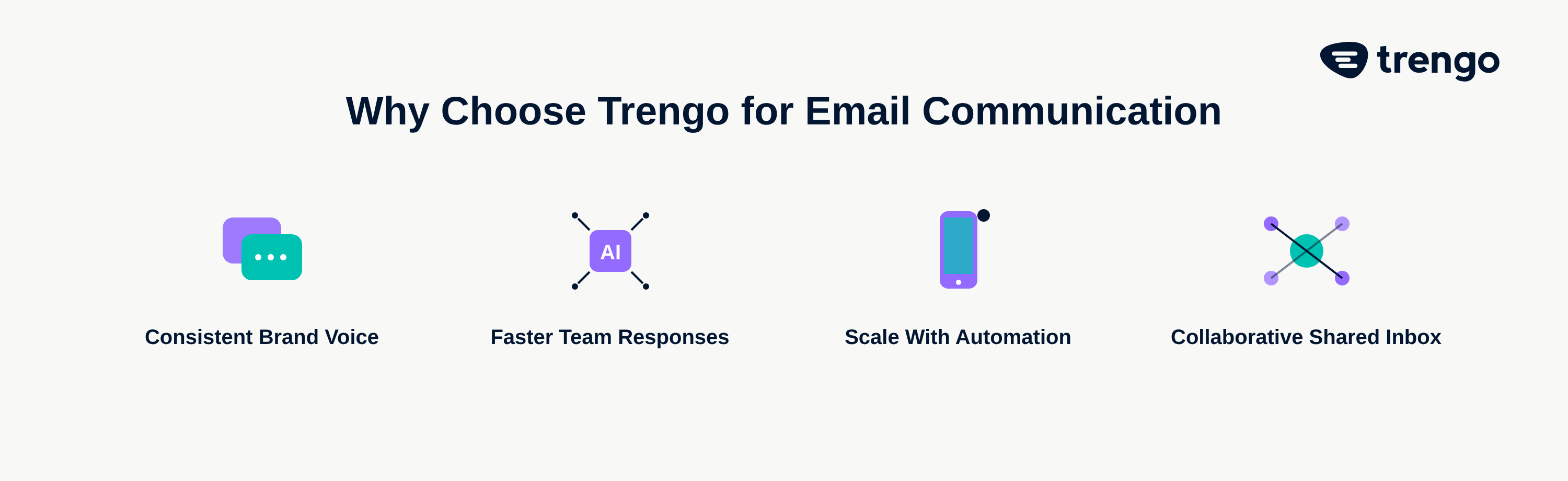
Maintain a consistent brand voice with shared resources
Consistency is key to building a strong brand identity. However, when multiple team members are answering customer emails, it's easy for the tone and quality to vary. By using shared email customer service templates for common questions, you can ensure every response is on-brand, accurate, and professional. This standardizes etiquette and frees up your team to focus on resolving more complex issues.
Improve response times by collaborating as a team
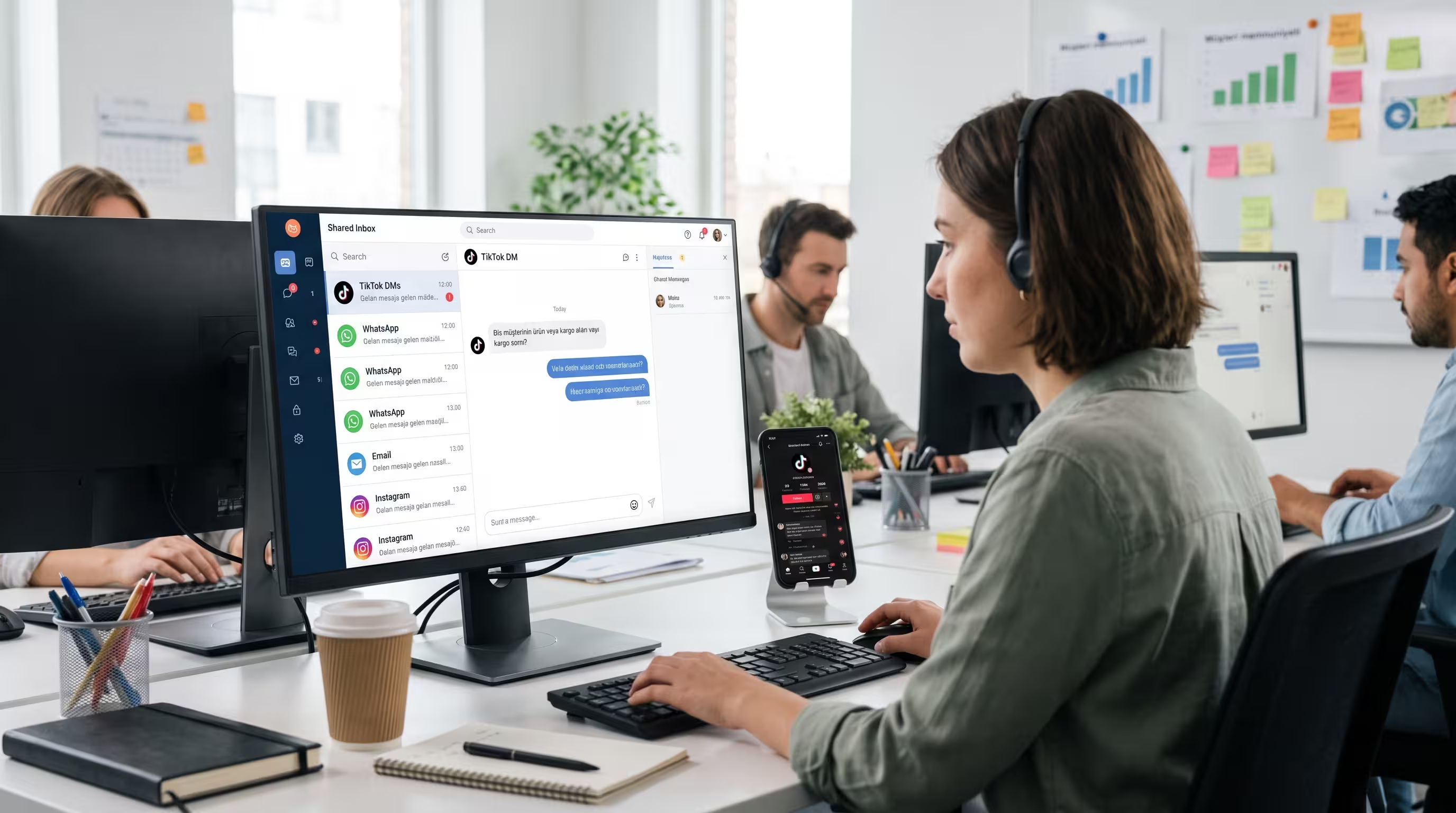
A prompt reply is a core tenet of good email etiquette. Yet, traditional inboxes create information silos that lead to delays and missed messages. Trengo's omnichannel inbox solution breaks down these barriers. It allows your entire team to see all incoming customer emails in one place. You can assign messages, see who is working on what, and even chat internally on an email thread to find the best answer quickly. Effective managing email inbox processes are far simpler when you are collaborating as a team on a single platform.
Scale your professional communication with smart automations
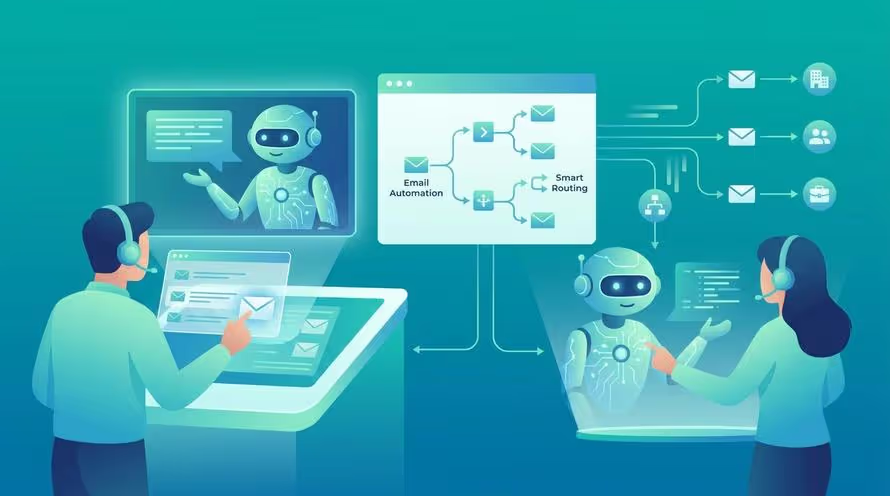
As your business grows, manually maintaining high communication standards becomes nearly impossible. This is where smart automations come in. By automating tasks in your inbox, such as tagging emails by topic, routing them to the right department, or sending instant auto-replies to confirm receipt, you ensure no customer is left waiting. This frees up your agents to dedicate their time to providing the thoughtful, personalized responses that build lasting customer loyalty.
Frequently Asked Questions

The five most critical email etiquette rules are: use a clear and descriptive subject line, start with a professional greeting and end with a proper closing, always proofread for errors before sending, respond to messages in a timely manner, and keep your message concise and respectful of the recipient's time.
The 7 C's of email etiquette are Clear, Concise, Correct, Courteous, Coherent, Complete, and Concrete. Following these principles helps ensure your emails are easy to understand, professional, and effective in achieving their purpose without confusion.
Poor email etiquette can lead to significant negative consequences for a business, including a damaged brand reputation, lost customers due to frustration or misunderstanding, internal confusion that reduces productivity, and even potential legal issues if communication is unclear or unprofessional.
It depends on your audience and your relationship with them. It is generally safer to avoid emojis in initial conversations or highly formal contexts. However, in more informal, ongoing customer relationships, a carefully chosen emoji can sometimes add a friendly, human touch to the conversation.
A general guideline is to wait 2-3 business days before sending a polite follow-up for non-urgent matters. A simple follow-up could be, "Hi [Name], I just wanted to gently follow up on my previous email regarding [topic]. Please let me know if you have any questions." This is polite and serves as a helpful reminder.


Let's meet
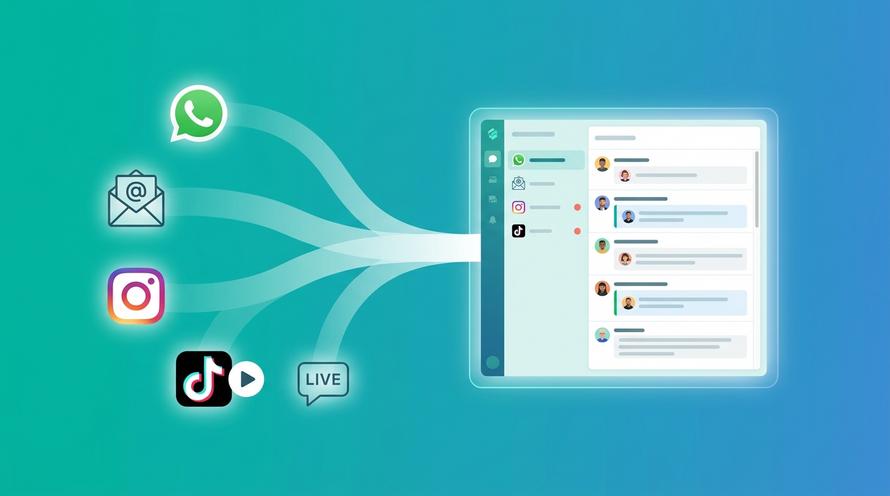
Grow your business with loyalty. Bring all of your customer contact into one, single platform to unlock delight at every step of the way.


