Why Your WordPress Site Needs an AI Chatbot in 2026

Try Trengo for Free

Trengo unites WhatsApp, email, web, social media, and calls in one inbox, saving your team hours of repetitive work and ensures no conversation is ever lost
Why Your WordPress Site Needs an AI Chatbot in 2026
Summary
A WordPress chatbot is an essential tool for modern websites, moving beyond simple plugins to become a comprehensive AI communication platform. By integrating a smart WordPress chatbot AI, businesses can automate lead generation, provide instant 24/7 customer support, and boost user engagement. The real value comes from connecting your chatbot to a multichannel inbox like Trengo, creating a unified system for both automated and human conversations across all customer channels.
TL;DR
- AI chatbots automate lead generation by engaging visitors and qualifying them around the clock.
- They provide instant customer support by pulling answers from your knowledge base, improving user experience.
- For e-commerce sites, a chatbot can reduce cart abandonment by proactively offering help or discounts.
- An interactive bot increases on-site time, which sends positive signals to search engines and boosts SEO.
- Modern platforms like Trengo offer more than a simple chatbot, integrating it with a shared multichannel inbox for seamless team collaboration.
- While free options exist, they lack the scalability, AI power, and integration capabilities of a professional solution.
Automate Lead Generation and Qualification 24/7
One of the most powerful applications for a WordPress chatbot is its ability to work for your sales team even when they are offline. An AI chatbot can proactively engage every website visitor, asking key qualifying questions such as company size, budget, or specific needs. Based on these answers, it can route high-value prospects directly into a sales representative's calendar for a demo or escalate the conversation for immediate attention. This process of Automated lead qualification to fill your sales pipeline ensures you never miss an opportunity, turning your website into a powerful, always-on lead generation machine.
Provide Instant, Personalized Customer Support
Today’s customers expect immediate answers. An AI chatbot trained on your company's data, FAQs, and product documentation can resolve a vast majority of customer queries instantly. Instead of making users search through a knowledge base or wait for an email reply, the bot provides accurate information directly in the chat widget. This elevates the customer experience and frees up your support agents to focus on more complex issues that require a human touch. A well implemented AI is key to delivering superior Personalized Customer Support and building long term loyalty.
Reduce Cart Abandonment in WooCommerce
For WordPress sites using WooCommerce, cart abandonment is a major challenge. A smart chatbot can be a game changer. It can detect when a user is hesitating on the checkout page and proactively intervene. The bot can offer a small discount code, answer last minute questions about shipping policies, or clarify return procedures. By resolving these final points of friction, the chatbot can significantly increase conversion rates and recover revenue that would otherwise be lost.
Boost User Engagement and On Site Time
An engaging website experience is crucial for SEO. A WordPress chatbot contributes directly to this by making your site more dynamic and helpful. An interactive chatbot can guide visitors to relevant blog posts, answer questions about your services, and keep them navigating your content for longer. This increased on site time and lower bounce rate are strong positive signals to search engines like Google, which can improve your rankings for target keywords over time.
Beyond Basic Scripts: Rule Based vs. AI Powered Chatbots
Not all chatbots are created equal. Understanding the difference between older rule based systems and modern AI powered platforms is key to choosing the right solution for your WordPress website. The distinction lies in their ability to understand, adapt, and truly converse with your visitors.
The Limitations of Traditional Rule Based Chatbots
Traditional chatbots operate on a simple, rigid logic. They follow a predefined conversation flow, much like a flowchart or decision tree. You must manually script every possible question and its corresponding answer. If a user asks something in a slightly different way or asks an unexpected question, the bot fails with a frustrating "Sorry, I don't understand." These bots often feel robotic, can't handle conversational nuances, and require a massive amount of upfront work to build and maintain.
The Power of AI, NLP, and Generative Models
AI powered chatbots represent a significant leap forward. They use Natural Language Processing (NLP) to understand the user's intent, context, and even sentiment, regardless of the exact phrasing. The most advanced platforms now use generative AI, the same technology behind tools like ChatGPT, to create dynamic, human like, and genuinely helpful conversations. Instead of following a script, they can generate new responses based on the knowledge they've been trained on, leading to a far more natural and effective user experience.
Let AI handle the repetitive questions
Deploy AI agents that resolve customer queries 24/7 — so your team can focus on the conversations that matter.
How to Add a WordPress Chatbot to Your Website
Integrating a chatbot into your WordPress site is a straightforward process. While the exact steps vary slightly depending on the platform you choose, the general workflow remains consistent. Here is what you need to know to get started.
Step 1: Choose Your Chatbot Platform
Your first decision is whether to use a dedicated WordPress chatbot plugin or a more comprehensive customer communication platform that offers a WordPress chatbot widget. A standalone plugin might seem simple, but it often creates a data silo. An integrated platform like Trengo connects your website chat to all your other communication channels, providing a unified view of the customer.
Step 2: Configure Your Chatbot's Knowledge Base and Personality
The effectiveness of your AI chatbot depends on the quality of its training. This involves feeding it information from your website, help center articles, product details, and company FAQs. This creates its knowledge base. You should also take the time to customize its personality, defining its tone of voice to ensure it aligns perfectly with your brand identity, whether that's professional, friendly, or witty.
Step 3: Install the WordPress Chatbot Plugin or Widget
Once your bot is configured, it's time to add it to your site. If you chose a plugin, you'll typically install and activate it directly from your WordPress admin dashboard. For a platform that provides a widget, the process is often even simpler. It usually involves copying a small snippet of code and pasting it into your website's header or footer. The process of embedding a widget is simple and gives you more flexibility than many standalone plugins. You can learn more about the specifics of how to add a chatbot to your website in our detailed guide.
Step 4: Test, Monitor, and Optimize Performance
Launching your chatbot is just the beginning. It is crucial to monitor its performance by reviewing conversation logs to see what questions it answers well and where it struggles. Use these insights to continuously refine its knowledge base and improve its conversational flows. A chatbot is not a "set it and forget it" tool; ongoing optimization is key to maximizing its ROI.
Trengo: More Than Just a WordPress Chatbot Plugin
While many tools offer a basic chatbot for WordPress, Trengo provides a complete AI powered customer communication platform. The goal isn't just to add a chat widget to your site; it's to transform how your business handles every customer interaction, from initial contact on your website to ongoing support across every channel.
Unify Your Communication with a Multichannel Shared Inbox
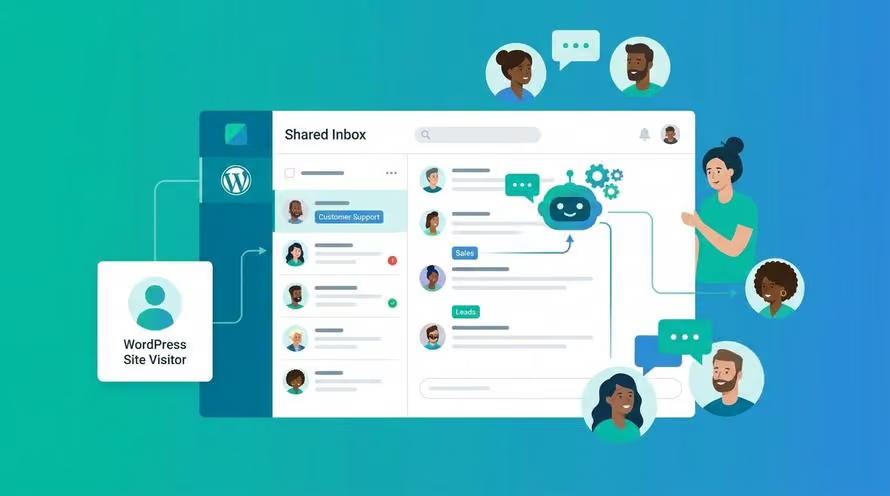
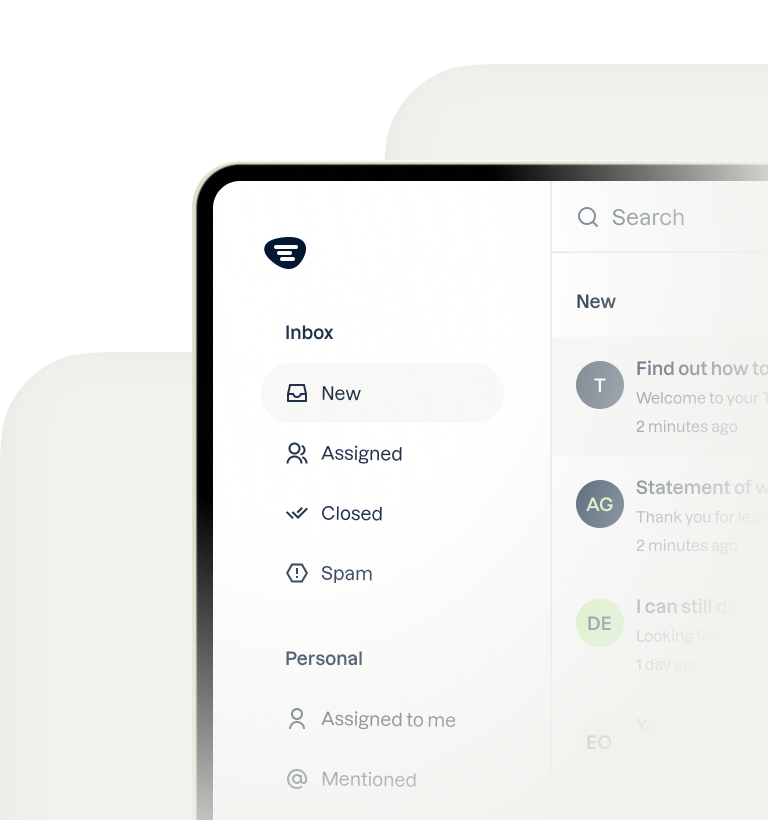
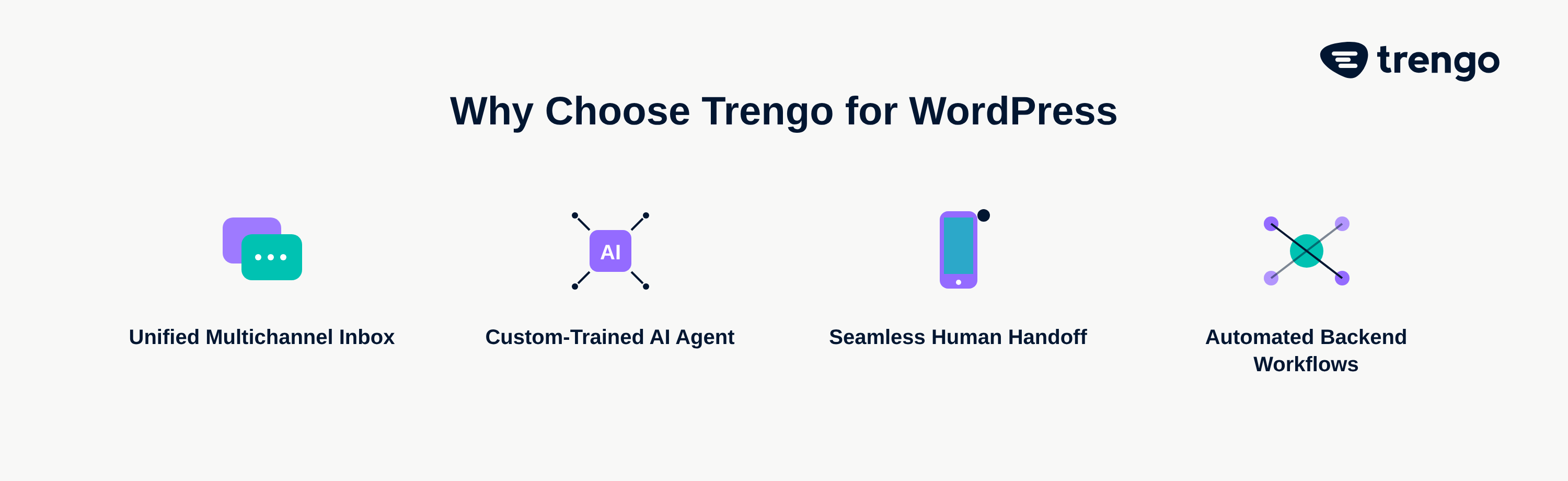
This is Trengo's core advantage. When a visitor starts a conversation with the chatbot on your WordPress site, that interaction doesn't exist in a vacuum. If the conversation needs to be escalated to a human agent, it seamlessly transitions into Trengo's Omnichannel inbox. Your team sees the full chat history alongside emails, WhatsApp messages, and social media DMs from that same customer. This creates a single, unified customer profile, eliminating context switching and enabling truly personalized service.
Build Your Own Custom AI Agent with Flowbot and Chatbot
Trengo puts powerful AI tools in your hands. You can build a sophisticated AI Chatbot to handle front line inquiries and a Flowbot to automate entire backend workflows. Crucially, these bots are trained on your specific company data, making their answers far more accurate and relevant than a generic ChatGPT integration. This custom AI agent acts as a true extension of your team, tailored to your unique business needs.
Seamless Human Handoff and Team Collaboration
The biggest failure of most simple chatbots is a clunky or non existent handoff to a human. With Trengo, the AI is smart enough to recognize when a query is too complex or a customer is getting frustrated. It can then automatically and intelligently assign the conversation to the correct team or agent within the shared inbox. The agent receives the entire chat history, so the customer never has to repeat themselves, ensuring a smooth and professional experience.
Drowning in repetitive support tickets?
Trengo AI Agents resolve them before they reach your team.
Evaluating Free WordPress Chatbot Options: What's the Catch?
When searching for a chatbot for WordPress, you'll undoubtedly encounter many free options. While tempting, it's important to understand their limitations. Free tools can be a good starting point for experimentation, but they rarely provide the features and scalability a growing business needs to see a real return on investment.
Common drawbacks of a wordpress chatbot free plugin include severely limited features, such as a low number of conversations allowed per month and no true AI capabilities. They often place their own branding prominently on the chat widget, which can look unprofessional. Furthermore, they lack crucial integrations with other business tools like your CRM or e commerce platform, and they typically offer little to no analytics, making it impossible to measure performance and optimize your strategy. For serious lead generation and customer support, a professional, integrated solution is essential.
Frequently Asked Questions

Yes, there are many AI tools for WordPress, which generally fall into two categories. First are standalone plugins for tasks like content writing or image generation. Second, and more powerfully, are integrated AI communication platforms like Trengo, which add an AI chatbot to your site and connect it to all your other customer channels for a unified experience.
Yes, you can create a free chatbot using various plugins and tools. However, these free options typically come with significant limitations, such as a low cap on monthly conversations, forced branding, a lack of true AI capabilities, and no integration with other business systems. For a growing business, a professional platform is a much more scalable and effective solution.
A direct connection can be technically complex. A better and more effective approach is to use a customer communication platform like Trengo. Trengo has already harnessed the power of generative AI, similar to ChatGPT, and built it into an easy to use chatbot builder that you can train on your own company data, providing superior power without the technical headache.
No, the open source WordPress software does not have a native, built in AI or chatbot feature. While the hosted service WordPress.com has integrated some AI content creation tools via its Jetpack plugin, users of self hosted WordPress must add this functionality using third party plugins or by integrating a comprehensive platform like Trengo.



Let's meet
Grow your business with loyalty. Bring all of your customer contact into one, single platform to unlock delight at every step of the way.