HubSpot Chatbot: 2026 Guide to Upgrading Customer Automation


Try Trengo for Free

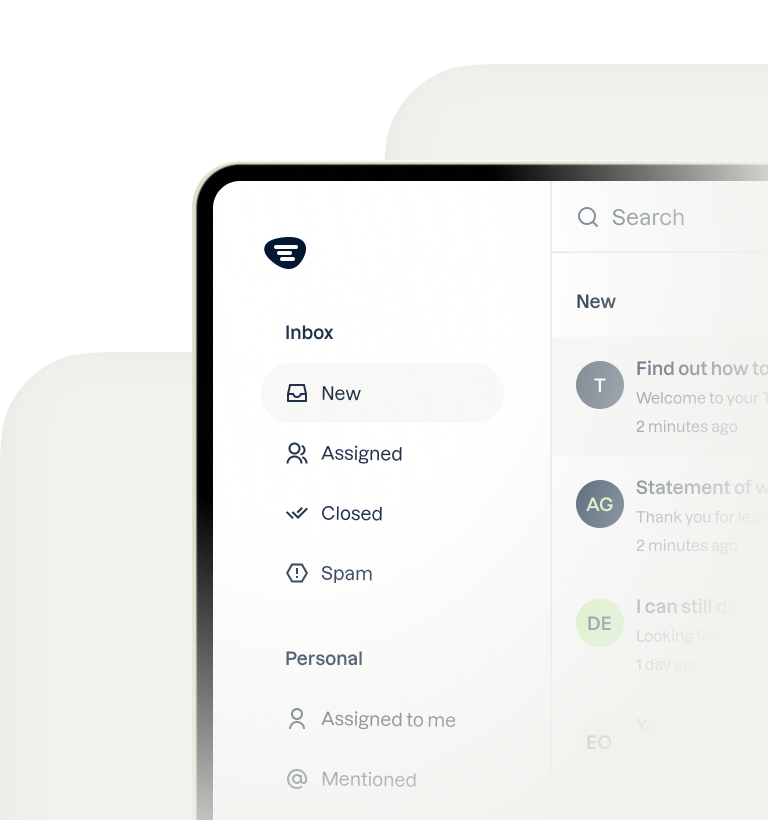
Trengo unites WhatsApp, email, web, social media, and calls in one inbox, saving your team hours of repetitive work and ensures no conversation is ever lost
HubSpot Chatbot: The 2026 Guide to Upgrading Your Customer Automation
Summary
While the native HubSpot chatbot is a solid starting point, growing businesses require more advanced capabilities to effectively scale customer support and lead generation. This article explores the limitations of HubSpot's rule-based chatbot and presents Trengo as the superior AI-powered, multichannel solution. By integrating Trengo, businesses can unify conversations from all channels like WhatsApp, leverage advanced AI, and enrich their HubSpot CRM for a complete 360-degree customer view.
TL;DR
- HubSpot's native chatbot (Chatflows) is great for basic lead capture and simple routing but lacks advanced AI and multichannel support.
- Key limitations include being restricted to your website, having rule-based logic that struggles with complex queries, and limited integration capabilities outside the HubSpot ecosystem.
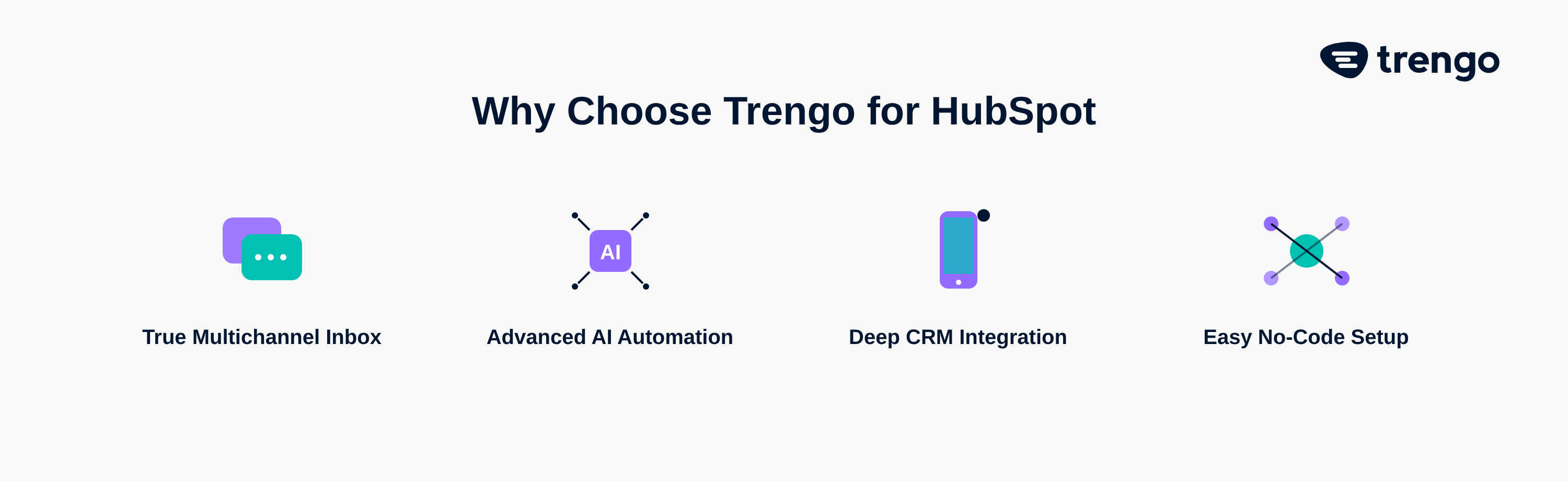
- Trengo supercharges HubSpot with true multichannel communication, unifying WhatsApp, social media, and email into one shared inbox.
- Trengo's advanced AI can understand user intent, connect to knowledge bases, and automate up to 80% of common customer questions.
- The Trengo and HubSpot integration automatically syncs all customer data, creating and updating contacts and deals in the CRM from any channel.
- Setting up Trengo on your HubSpot website is a simple, three-step process that requires no coding.
Understanding the Native HubSpot Chatbot Builder: Features and Functions
The native HubSpot chatbot, known as Chatflows, is an accessible tool included within the HubSpot platform. Its primary function is to help businesses automate simple website interactions. The HubSpot chatbot builder operates on a rule-based system, meaning you design conversation flows with predefined questions and answers. It excels at tasks like basic lead qualification by asking visitors for their name, email, and company size. It can also route conversations to the correct sales or support teams based on user responses and is capable of booking meetings by connecting directly to team members' calendars. For businesses just starting with automation, learning how to set up HubSpot chatbot functionalities provides a foundational layer for website engagement.
Where HubSpot's Chatbot Falls Short: 3 Key Limitations for Growing Businesses
While HubSpot's bot is a valuable free tool, its simplicity becomes a bottleneck as a business scales. Growing teams quickly discover that customer expectations in 2026 demand more sophisticated, immediate, and channel-agnostic support. Relying solely on the native bot can lead to siloed data, frustrated customers, and missed opportunities. Here are three key areas where its limitations become apparent.
Limited AI and Natural Language Processing NLP
The core challenge with the HubSpot chatbot is its reliance on rigid, rule-based logic. It can only follow the specific conversational paths you design. If a customer asks a question in an unexpected way or has a complex query that deviates from the script, the bot fails. It lacks the ability to understand user intent, sentiment, or context. This contrasts sharply with true AI-powered bots that use Natural Language Processing (NLP) to hold more human-like conversations, adapt to user needs, and resolve issues without needing a pre-written answer for every possible question. The `hubspot chatbot ai` capabilities are therefore quite basic compared to dedicated platforms.
Channel Restrictions: It Lives Only On Your Website
In today's digital landscape, conversations are not confined to your website. Customers expect to engage with brands on their preferred channels, whether that's WhatsApp, Instagram, or Facebook Messenger. HubSpot's native chatbot is restricted to your website, creating a fragmented customer experience. A conversation started on your site has no connection to a follow-up message on WhatsApp, forcing support agents to piece together interactions from different platforms. This siloed approach prevents a unified view of the customer journey and makes efficient support nearly impossible.
Basic Automation and Integration Capabilities
The native bot's automation is primarily contained within the HubSpot ecosystem. While it performs its designated tasks well, such as creating a contact or booking a meeting, it struggles with more advanced workflows. For instance, can HubSpot chatbots book meetings? Yes, but they can't perform complex follow-up sequences based on that meeting's outcome or integrate deeply with third-party logistics software to provide real-time order updates. Businesses that need a chatbot to connect with their entire tech stack via a flexible `hubspot chatbot api` will find the native tool's capabilities limiting.
Supercharge Your Stack: Why Trengo is the Ultimate AI Chatbot for HubSpot
Instead of replacing your HubSpot CRM, you can elevate it with a powerful integration that fills every gap left by the native chatbot. Trengo is an intelligent customer service platform designed for modern, multichannel communication. It acts as an upgrade to your existing HubSpot setup, transforming your CRM from a simple database into a dynamic, real-time hub for every customer interaction, no matter where it happens.
True Multichannel Communication in One Shared Inbox
This is Trengo's most significant advantage. It breaks down communication silos by consolidating every customer channel—WhatsApp, Instagram DMs, Facebook Messenger, email, SMS, and your website live chat—into one shared inbox. When a customer contacts you, your support team sees their entire conversation history across all channels in a single thread. This context, available right alongside their HubSpot profile data, empowers agents to provide faster, more personalized, and more effective support.
Advanced AI: Meet Flowbot and Your Own Custom AI Agent
Trengo goes far beyond rule-based flows with its advanced AI. The Flowbot allows you to build dynamic conversations, while the custom AI agent leverages generative AI to understand intent and provide human-like answers. It can connect to your knowledge base, or you can build a separate `hubspot chatbot knowledge base`, to answer complex customer questions instantly. This level of automation can resolve up to 80% of common queries without human intervention, freeing your team to focus on high-value interactions. These capabilities make it one of the best ai chatbots for ecommerce businesses looking to scale support.
Seamless HubSpot Integration for a 360-Degree Customer View
The Trengo `hubspot chatbot integration` is deep and bidirectional. It doesn't just work alongside your CRM; it actively enriches it. When a new lead contacts you on WhatsApp, Trengo automatically creates a new contact in HubSpot. Every conversation is logged on the contact's timeline, ensuring your sales and support teams have a complete, up-to-the-minute record of every interaction. This creates a true 360-degree customer view, turning your HubSpot portal into the ultimate source of truth for customer data.
How to Add Trengo’s AI Chatbot to Your HubSpot Website in 3 Steps
Deploying a powerful AI chatbot on your website doesn't have to be complicated. One of the best things about the Trengo platform is its ease of use. You can go from sign-up to a fully functional, AI-powered chatbot on your HubSpot site in minutes, with no coding required. Here’s how simple the process is.
Step 1: Set Up Your Trengo Account and Build Your Bot
First, create your Trengo account. From the dashboard, navigate to the bot builder. You can use intuitive visual tools to design your conversation flows, train your AI with your company information, and customize the look and feel of your chat widget to match your brand.
Step 2: Connect Trengo to Your HubSpot Portal
In the Trengo settings, go to the integrations section and select HubSpot. With a few clicks, you can authorize the connection between the two platforms. This no-code process securely links your accounts, enabling the automatic syncing of contacts, deals, and conversation data.
Step 3: Deploy the Trengo Widget on Your Website Including WordPress
Once your bot is built and connected, Trengo provides a small JavaScript snippet. Simply copy this code and paste it into the header section of your website. For users of a `hubspot chatbot wordpress` site, this is as easy as using a simple plugin like "Insert Headers and Footers" or adding it directly to your theme's `header.php` file. The widget will immediately appear on your site, ready to engage visitors.
From Leads to Support: Powerful Use Cases for the Trengo + HubSpot Integration
The combination of Trengo and HubSpot unlocks powerful automation workflows that directly impact your bottom line. By connecting multichannel communication with your central CRM, you can create seamless experiences that capture more leads and delight customers. Here are a few real-world examples of what's possible.
Automate Lead Qualification on WhatsApp
Imagine a potential customer finds your business on Instagram and messages you via your WhatsApp link. Trengo's chatbot instantly engages them, asking qualifying questions like their company size, needs, and budget. Once qualified, the bot automatically creates a new contact and a new deal in your HubSpot sales pipeline, assigning it to the appropriate sales representative. This is a prime example of using ai chatbots for lead generation on a channel where engagement is highest.
Provide 24/7, AI-Powered Customer Support
A customer has a question about their order at 2 AM. Instead of waiting for business hours, they can ask the Trengo chatbot on your website. The bot accesses your knowledge base to provide an instant, accurate answer about shipping times. If the query is complex, it creates a ticket that is automatically synced to the customer's profile in HubSpot Service Hub. This provides immediate assistance and reduces support ticket volume, a core goal of AI-Powered Customer Support.
Proactively Engage Website Visitors to Reduce Bounce Rate
A visitor is spending time on your pricing page but hasn't taken action. After 30 seconds, the Trengo chatbot can proactively initiate a conversation, asking, "Have any questions about our plans? I can help you choose the right one." This timely engagement can answer critical questions, overcome objections, and guide the user toward scheduling a demo or starting a trial. The entire conversation is then logged in HubSpot, giving your sales team valuable context for their follow-up.
HubSpot Chatbot Pricing vs. Trengo: A Value-Based Comparison
When considering `hubspot chatbot pricing`, it's important to look beyond the initial cost. HubSpot's basic chatbot is included for free with its plans, which is an attractive offer for businesses on a tight budget. However, this "free" tool comes with hidden costs in the form of missed opportunities, manual work for your team, and a fragmented customer experience. The discussion shouldn't be about cost, but about return on investment. Trengo's pricing is designed as an investment in efficiency and growth. The value it delivers through automating thousands of conversations, increasing lead conversion rates on channels like WhatsApp, and saving countless hours for your support and sales teams provides an ROI that far outweighs the subscription cost. It transforms your chatbot from a simple website widget into a revenue-generating, efficiency-driving engine for your entire business.
Frequently Asked Questions

In 2026, the leading AI chatbots include major players like Intercom for its deep engagement features, but Trengo stands out as the best choice for businesses needing a powerful, truly multichannel solution. Trengo's deep integration with platforms like HubSpot and its unified inbox for WhatsApp, social media, and email make it uniquely effective for modern sales and support teams.
HubSpot incorporates various AI features for reporting, content creation, and predictive analytics across its platform. However, its native chatbot is primarily rule-based and not a conversational AI in the way platforms like Trengo are. Trengo is built around a central conversational AI agent designed for complex, human-like interactions.
HubSpot is an all-in-one customer platform designed to help businesses attract, engage, and delight customers. It includes a core CRM (Customer Relationship Management) database and a suite of "Hubs" for Marketing, Sales, Service, and Content Management (CMS) that cover the entire customer lifecycle.
No, while the CRM is the free foundation of the platform, HubSpot is a comprehensive suite of software for marketing, sales, and customer service. Each Hub offers specialized tools that work together on top of the shared CRM database, providing a unified view of all customer interactions.
If your native HubSpot chatbot is not showing, first check that the HubSpot tracking code is correctly installed on your website. Next, review your chatflow's targeting rules to ensure they match the page you're viewing. Ad blockers can also sometimes prevent the widget from loading. With Trengo's simple setup and dedicated support, deployment issues are rare.



Let's meet
Grow your business with loyalty. Bring all of your customer contact into one, single platform to unlock delight at every step of the way.