WhatsApp HubSpot Integration: 3 Ways to Connect in 2026

Try Trengo for Free

Trengo unites WhatsApp, email, web, social media, and calls in one inbox, saving your team hours of repetitive work and ensures no conversation is ever lost
What is a WhatsApp HubSpot integration?
Summary
A WhatsApp HubSpot integration connects your WhatsApp Business number to HubSpot, so customer chats and CRM data sit together instead of in two separate tools. You can set it up with HubSpot's own WhatsApp channel, with a connector app from the HubSpot marketplace, or with a WhatsApp Business Solution Provider such as Trengo that also integrates with HubSpot. The right option depends on your HubSpot plan, how many people answer WhatsApp and which other channels your team handles. This article compares the three routes and shows how to set each one up in 2026.
TL;DR
- HubSpot's own WhatsApp channel needs a Professional or Enterprise plan.
- After 24 hours, you can only send approved templates.
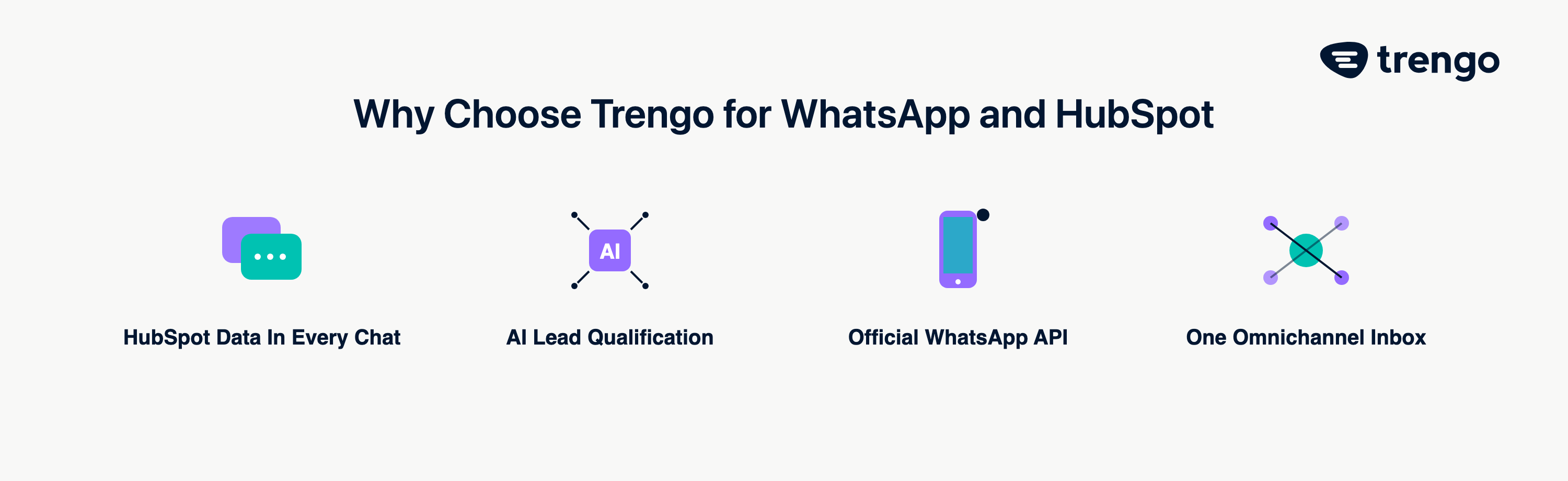
- Trengo shows HubSpot data next to every WhatsApp chat.
A WhatsApp HubSpot integration is a connection between a WhatsApp Business account and the HubSpot CRM that lets your team read and answer WhatsApp messages with customer records in view. Instead of copying phone numbers, notes and deal updates by hand, the integration links each WhatsApp conversation to the right contact. For sales teams that means faster follow ups on new leads. For support teams it means every answer starts with the full customer context.
Most businesses look for this integration once WhatsApp becomes a real sales or service channel and one phone is no longer enough. If you are still comparing tools in general, our overview of WhatsApp CRM options for growing teams is a good starting point.
Why connect WhatsApp to HubSpot?
WhatsApp is where many customers prefer to talk, while HubSpot is where most teams keep their pipeline and customer history. Keeping the two apart creates gaps that cost time and revenue.
- Context for every reply: agents see who the customer is, which company they belong to and which deal is open before they answer.
- No double data entry: leads that start on WhatsApp end up in HubSpot instead of in someone's phone.
- Better follow up: sales reps can pick up a WhatsApp lead with the same information as an email lead.
- Clearer reporting: conversation details become CRM data that you can report on.
- Team access: several people can work on one WhatsApp number instead of passing a phone around.
The last point is often the trigger. The WhatsApp Business app limits how many devices can use one number, which is why many teams move to WhatsApp Business with multiple users through the API at the same time as they connect HubSpot.
3 ways to connect WhatsApp to HubSpot
There are three common routes. They differ in price, setup effort and how much of your customer communication they cover. The table below compares them side by side.
HubSpot's native WhatsApp channel
HubSpot offers its own WhatsApp integration. You connect a WhatsApp Business number to the conversations inbox or help desk, and messages are logged on the contact record. According to HubSpot's knowledge base, this is available with Marketing Hub Professional or Enterprise and Service Hub Professional or Enterprise, so it is not part of free or Starter plans. Meta's charges for template messages come on top, as explained in our breakdown of WhatsApp Business pricing and costs. WhatsApp message details can also be used in HubSpot workflows and reports.
A connector app from the HubSpot marketplace
The HubSpot marketplace lists several third party WhatsApp apps. They usually add a WhatsApp chat window or inbox to HubSpot, and some of them work on lower HubSpot tiers. Features, pricing and data handling vary a lot between apps, so check who processes your messages and where the data is stored before you install one.
A WhatsApp Business Solution Provider with a HubSpot integration
The third route is to run WhatsApp through a dedicated customer communication platform that connects to HubSpot. Trengo is an official WhatsApp Business Solution Provider: your team answers WhatsApp in Trengo, and the Trengo HubSpot integration brings HubSpot contact, company and deal information into each conversation. This route suits teams that handle WhatsApp alongside email, Instagram, Facebook Messenger, live chat or voice and want one place for all of them.
If you want to see which other providers offer this route, our comparison of WhatsApp Business API partners lists the main options and what to look for.
How to connect WhatsApp to HubSpot natively
If you already pay for Marketing Hub or Service Hub Professional or Enterprise, the native channel is the quickest way to try WhatsApp inside HubSpot. Check these requirements first:
- You are a Super Admin in your HubSpot account.
- You have admin permission for your company's Meta Business Manager.
- Your WhatsApp Business number can receive voice calls for verification, is not part of an IVR system and is not connected to another WhatsApp integration.
The setup itself follows these steps:
- In HubSpot, open your inbox or help desk settings and choose to connect a new channel.
- Select WhatsApp and log in with the Facebook account that manages your Meta Business Manager.
- Choose or create the WhatsApp Business account and the phone number you want to use.
- Verify the number and complete the connection.
- Set up team access, routing and message templates for conversations outside the 24 hour window.
Keep two limits in mind. With the standard connection, messages on that number no longer appear in the WhatsApp mobile or web app, only in HubSpot. HubSpot also offers a separate coexistence setup for businesses that want to keep using the app, with its own requirements. In addition, HubSpot's knowledge base mentions a limit of 1,000 template messages per month, shared by all connected WhatsApp Business accounts, which matters if you plan campaigns.
How to connect WhatsApp and HubSpot with Trengo
With Trengo, WhatsApp runs through the WhatsApp Business API and HubSpot stays your CRM. Connecting HubSpot takes a few minutes:
- Make sure you are an admin in both Trengo and HubSpot.
- In Trengo, go to Settings, then Integrations, then CRM, and choose HubSpot.
- Click Install integration and enter your HubSpot domain URL and portal ID.
- Continue to HubSpot, choose the right account and allow the requested permissions.
- Open any WhatsApp conversation in Trengo and check the HubSpot details in the right sidebar.
From then on, agents see the contact's HubSpot details, company information and open deals while they chat, and they can send a new lead from a conversation straight to HubSpot. Because the same view works for email, Instagram, live chat and the other channels in Trengo's Omnichannel inbox, your team does not need a separate setup for every channel.
What to check before you choose
Each route can work well. These questions help you pick the one that fits your team today and next year.
- Total cost: add up your HubSpot subscription, any app or platform fee and Meta's charges for template messages.
- Team size and volume: if several agents answer WhatsApp all day, routing, assignment and workload views matter more than a basic chat window.
- Channels: if customers also contact you by email, Instagram or live chat, a WhatsApp only tool leaves gaps.
- Messaging rules: WhatsApp needs customer consent before you send business initiated messages, and outside the 24 hour window you can only send approved templates.
- Data protection: check where messages are stored, who processes them and whether a data processing agreement is in place, especially if you serve customers in the EU.
Getting consent right protects your number from blocks, so set up a clear process for WhatsApp Business opt in requirements before your first campaign.
Use cases for WhatsApp and HubSpot together
Once WhatsApp and HubSpot are connected, the same conversation can serve sales, support and marketing.
Qualify leads on WhatsApp
Leads from click to WhatsApp ads, website buttons or QR codes can be qualified in the chat itself. With AI lead qualification for sales teams, Trengo's AI Agents ask the first questions, and your team sends qualified leads to HubSpot so reps call the right people first.
Support customers with CRM context
Support agents see the account owner, company details and open deals in the sidebar while they answer. That helps them prioritise key accounts and stop asking customers for details they already shared.
Continue website conversations on WhatsApp
HubSpot's own chatbot lives on your website, while many customers prefer to continue the conversation on their phone. If you are weighing the two, read about HubSpot chatbot features and limitations and how WhatsApp fills the gaps once visitors leave your site.
Frequently Asked Questions

Yes. HubSpot lets you connect a WhatsApp Business number to its conversations inbox or help desk, but the feature is only available with Marketing Hub or Service Hub Professional or Enterprise.
No, not with HubSpot's native channel, because it needs a Professional or Enterprise subscription. Some marketplace apps and communication platforms work with other HubSpot tiers, and Meta charges for template messages, so messaging customers at scale always has some cost.
Not with HubSpot's standard connection, because messages on that number move to HubSpot and no longer appear in the WhatsApp mobile or web app. HubSpot offers a separate coexistence setup for businesses that want to keep using the app, with its own requirements.
HubSpot's documentation allows up to 25 phone numbers per WhatsApp Business account. Each number can only be connected to one WhatsApp integration at a time, so choose your main tool before you connect it.
Only template messages. WhatsApp keeps a conversation open for 24 hours after the customer's last message, and after that you need an approved template to start again, which is the same rule for every provider.
It shows the customer's HubSpot contact details, company information and deals next to every conversation in Trengo, including WhatsApp chats. Agents can also send new leads from Trengo to HubSpot without switching tools.



Let's meet
Grow your business with loyalty. Bring all of your customer contact into one, single platform to unlock delight at every step of the way.